
A good gaming monitor can make a noticeable difference when you’re playing competitive games. Smooth motion, fast response times, and consistent frame delivery can help you react more comfortably during fast-paced matches. However, choosing the best gaming monitors for competitive players isn’t simply about buying the highest refresh rate or most expensive display. Your games, PC hardware, resolution, and budget all matter. This guide covers the main features to consider so you can choose a monitor that fits your setup without paying for specifications you don’t really need.

Refresh Rate Matters
Refresh rate determines how many times your monitor can update the image each second. For competitive gaming, 144Hz and 165Hz monitors are popular because they provide noticeably smoother motion than standard 60Hz displays. Players with powerful gaming PCs may prefer 240Hz or higher, especially for fast-paced esports titles. However, a high-refresh monitor is most useful when your PC can produce enough frames to take advantage of it.

Response Time Is Important
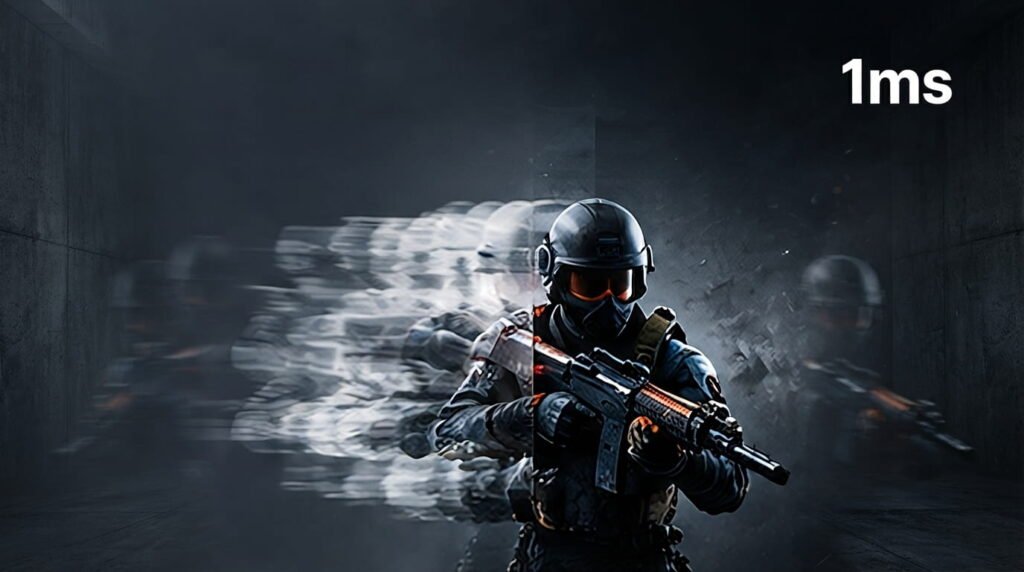
Response time affects how quickly pixels can change and can influence the amount of ghosting or trailing you see during fast movement. Competitive players should look for monitors with genuinely good motion performance rather than choosing a model simply because its specifications claim “1ms.” Independent reviews can be helpful because manufacturers may measure response time under different conditions. A fast, consistent display can make quick movements easier to follow.
Choose the Right Resolution
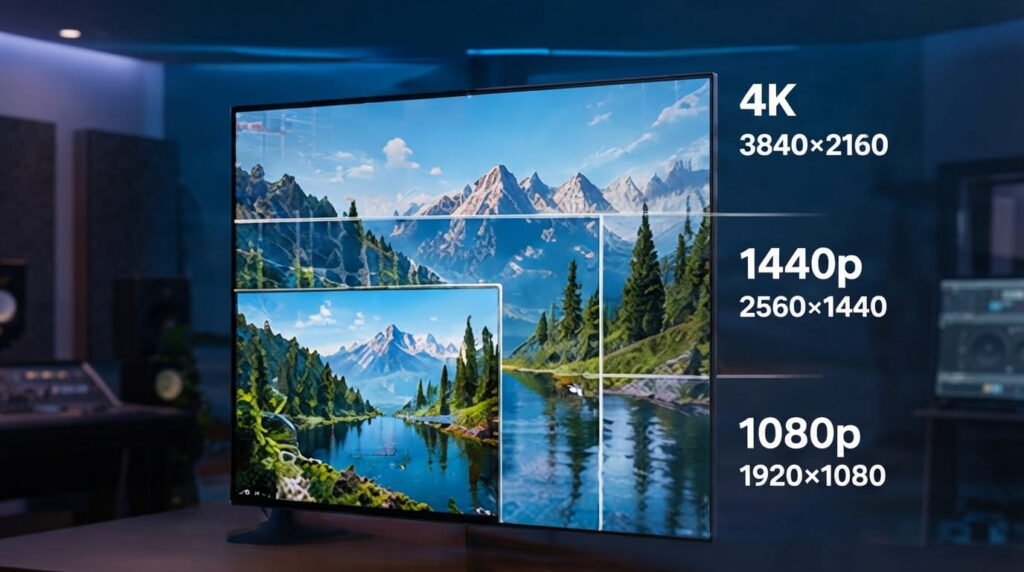
Resolution affects image sharpness as well as the workload placed on your graphics card. 1080p remains a practical choice for competitive players who want very high frame rates without requiring extremely powerful hardware. 1440p provides a sharper image and can be an excellent middle ground for modern gaming PCs, while 4K offers more detail but generally requires significantly more GPU power for high frame rates. Choose the resolution that your hardware can comfortably handle.
Consider VRR and Adaptive Sync
Variable refresh rate technologies such as AMD FreeSync and NVIDIA G-SYNC can synchronize the monitor’s refresh rate with your game’s frame rate. This can reduce screen tearing and make gameplay look smoother when FPS changes during a match. Before buying, check which adaptive-sync technology the monitor supports and whether it works properly with your graphics card. For many gamers, VRR is a useful feature when their frame rate isn’t perfectly stable.

Pick the Right Panel Type
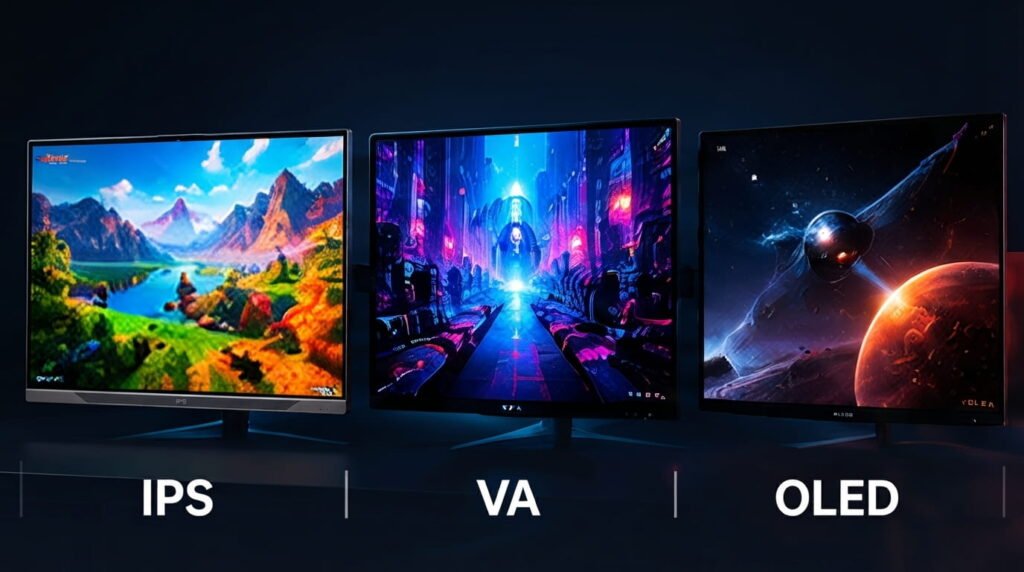
IPS, VA, and OLED monitors each have different strengths. Fast IPS displays are popular for gaming because they can combine good colors with strong motion performance, while VA panels generally provide higher contrast and deeper blacks. OLED monitors can offer extremely fast pixel response and excellent contrast, making them attractive for high-end gaming. Instead of choosing based only on the panel name, compare the actual monitor’s motion performance, brightness, contrast, and overall reviews.
Choose a Practical Screen Size
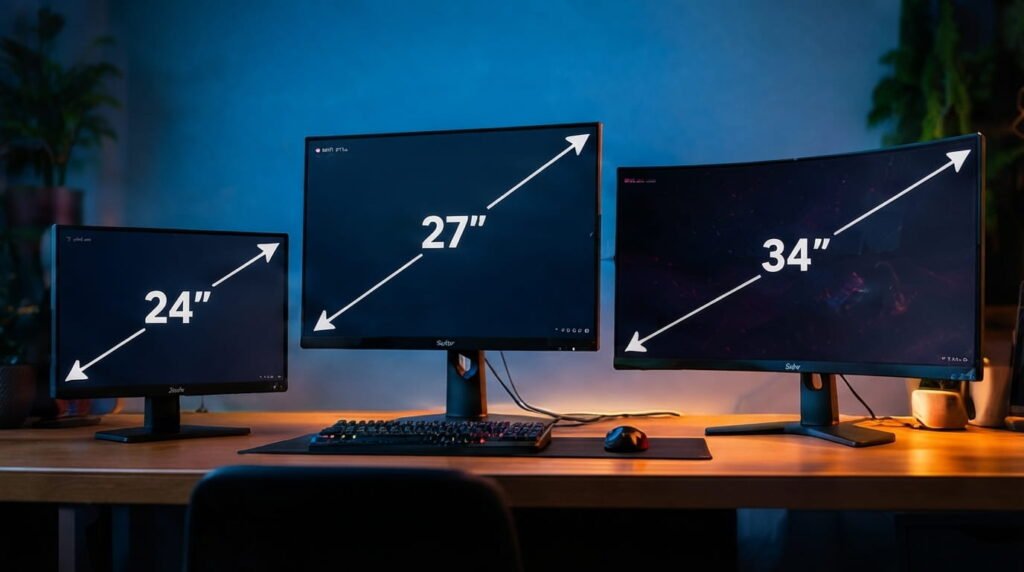
A larger screen isn’t automatically better for competitive gaming. A 24- or 25-inch 1080p monitor can work well for players who sit close to the display, while 27-inch 1440p monitors provide more screen space without sacrificing sharpness. Larger and ultrawide monitors can be excellent for immersive games and productivity, but competitive players should consider whether the extra screen area actually benefits the games they play.
Check Gaming Features
Useful features can include DisplayPort, HDMI, adjustable stands, VESA mounting, USB ports, headphone connections, low input-lag modes, and adaptive sync support. Some gaming monitors also include features such as crosshair overlays or gaming presets, although these aren’t essential for everyone. Focus on features you’ll actually use instead of paying extra for a long list of specifications that won’t improve your experience.

Match the Monitor to Your PC
Your monitor should match the performance of your gaming PC. If your system regularly produces around 200 FPS in your favorite competitive games, a 240Hz monitor may make sense. If your games run closer to 100–150 FPS, a quality 144Hz, 165Hz, or 180Hz display can be a more practical choice. Similarly, moving from 1080p to 1440p increases the workload on your GPU, so check your hardware before upgrading. The best setup is the one where the monitor and PC work well together.

Consider Your Budget
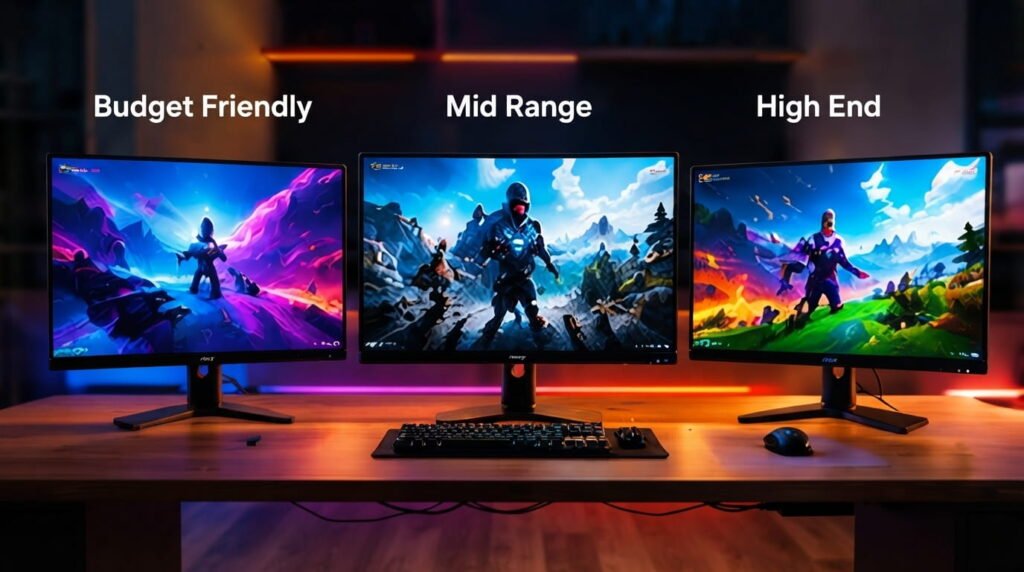
You don’t need an expensive monitor to enjoy competitive gaming. A good 144Hz or 165Hz display with reliable motion performance can already be a major upgrade from 60Hz. With a larger budget, you can consider higher refresh rates, 1440p resolution, OLED panels, better HDR, and additional connectivity. Instead of paying for every premium feature, prioritize refresh rate, response performance, resolution, and compatibility with your PC.
Conclusion
Choosing the best gaming monitors for competitive players is about finding the right balance between refresh rate, response time, resolution, VRR, panel technology, screen size, and hardware compatibility. For many gamers, a good 144Hz–180Hz monitor offers an excellent combination of smooth gameplay and reasonable hardware requirements, while powerful systems can take advantage of 240Hz or higher. At Read Hub, we recommend focusing on the features that genuinely fit your gaming needs rather than simply choosing the monitor with the biggest numbers.
If you have any questions or concerns regarding this topic, feel free to contact us through our Contact Us page or reach out via the WhatsApp button available on Read Hub. We’re always happy to help!
FAQ
Is 144Hz enough for competitive gaming?
Yes. A good 144Hz monitor provides a much smoother experience than 60Hz and is suitable for many competitive players.
Is 240Hz better than 144Hz?
240Hz can provide smoother motion, but the difference is most useful when your PC can consistently produce high frame rates.
Is 1440p good for competitive gaming?
Yes. 1440p offers sharper image quality while still allowing many modern gaming PCs to achieve high frame rates.
Which panel is best for gaming?
Fast IPS and OLED can both be excellent choices. Compare the specific monitor’s motion performance, refresh rate, image quality, and price before deciding.
What monitor size is best for competitive gaming?
24–25 inches is popular for 1080p competitive gaming, while 27 inches is a common choice for 1440p gaming.