

Every website owner dreams of ranking on Google’s first page, but many unknowingly make SEO mistakes that prevent their content from reaching the right audience. A beautiful website alone isn’t enough. Without a solid SEO strategy, even high-quality content can remain invisible in search results.
Search engines have become smarter than ever. In 2026, Google, Bing, and AI-powered search engines evaluate hundreds of ranking signals, including content quality, page experience, website structure, and user intent. Even small SEO errors can slowly reduce your rankings and organic traffic over time.
The good news is that most SEO mistakes are completely fixable. Once you identify what’s holding your website back, you can make targeted improvements that increase visibility, attract qualified visitors, and boost long-term growth.
In this guide, Read Hub explains the 10 SEO mistakes that are killing your website traffic, why they matter, and how to fix them before they damage your rankings even further.
1. Ignoring Search Intent
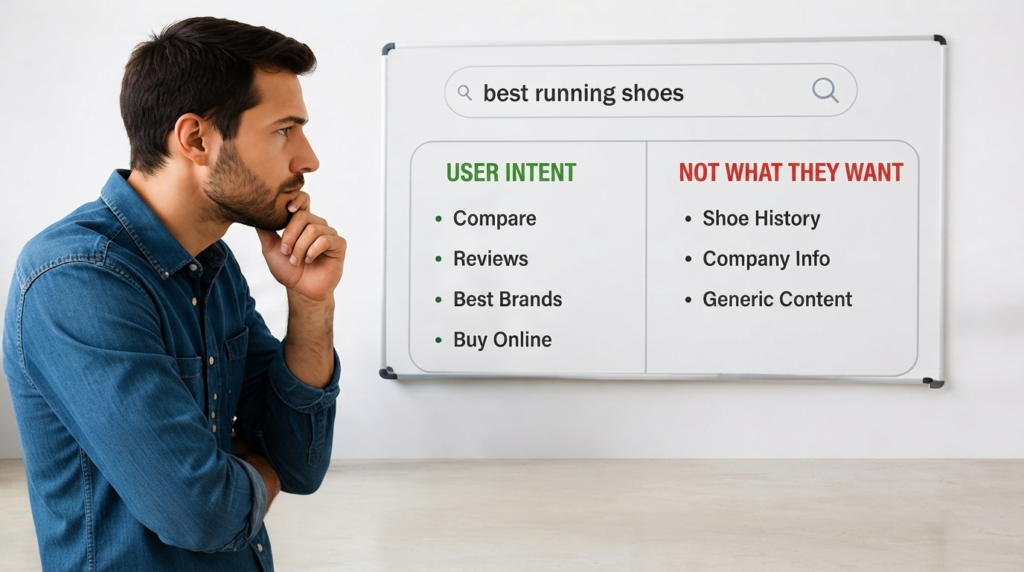
One of the biggest reasons websites fail to rank is focusing on keywords instead of understanding what users actually want.
For example, someone searching for “best laptops for students” expects recommendations, comparisons, prices, and buying advice. If your page only explains laptop history or technical specifications, visitors will quickly leave. Google notices this behavior and may lower your rankings because your page doesn’t satisfy user intent.
Modern SEO isn’t just about inserting keywords into a page. It’s about solving the searcher’s problem better than competing websites.
Why It Hurts Your Rankings
- Higher bounce rate
- Lower user engagement
- Shorter average session duration
- Reduced trust signals
- Lower conversion rates
Google’s Helpful Content System rewards pages that genuinely answer users’ questions. If your content misses the intent, even perfect keyword optimization won’t save it.
How to Fix It
Before writing any article, ask yourself:
- Is the user looking for information?
- Are they comparing products?
- Do they want to buy something?
- Are they searching for a tutorial?
- Are they trying to solve a problem?
Study the current top-ranking pages and identify what information they provide. Then create content that’s more detailed, more helpful, and easier to understand.
Expert Tip: Every article should answer the reader’s next question before they have to search again.
2. Poor Keyword Research
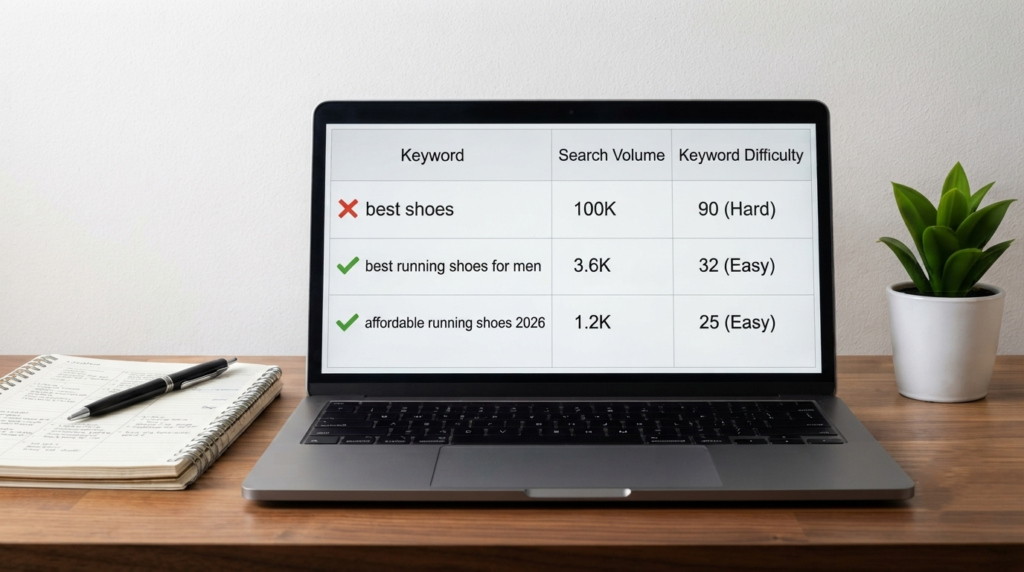
Many website owners either target extremely competitive keywords or choose phrases that nobody searches for. Both mistakes waste valuable time and effort.
Effective keyword research is the foundation of successful SEO. Instead of chasing only high-volume keywords, focus on a balanced strategy that includes primary keywords, long-tail keywords, semantic phrases, and question-based searches.
For example, targeting “SEO” alone is incredibly competitive. However, targeting “SEO mistakes that reduce website traffic” gives you a much better opportunity to rank because it’s more specific and closely matches user intent.
Common Keyword Research Mistakes
- Choosing keywords based only on search volume.
- Ignoring keyword difficulty.
- Forgetting long-tail keywords.
- Not analyzing competitors.
- Targeting multiple unrelated keywords on one page.
- Ignoring AI and voice search queries.
How to Fix It
Use reliable SEO tools to discover:
- Search volume
- Keyword difficulty
- Search intent
- Related questions
- Semantic keywords
- Trending searches
Then naturally include these keywords throughout your headings, introduction, body content, image alt text, and meta description without overusing them.
Remember, keyword stuffing is outdated. Today, relevance and context matter far more than repetition.
3. Weak or Duplicate Content
Publishing content simply to increase the number of pages on your website is one of the fastest ways to lose organic traffic.
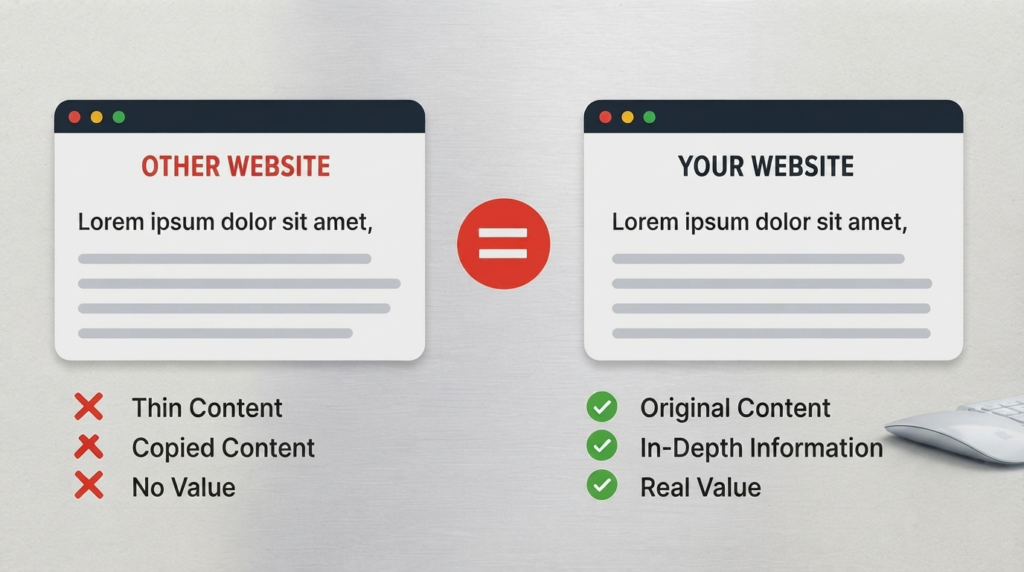
Google rewards original, informative, and experience-based content. If your articles repeat information already available on hundreds of other websites, search engines have little reason to rank your page above competitors.
Duplicate content can also confuse search engines about which page should rank, causing both pages to perform poorly.
Signs of Weak Content
- Thin articles with little useful information.
- Copied or rewritten content.
- No original insights or examples.
- Outdated statistics.
- Generic introductions.
- Repetitive paragraphs.
How to Fix It
Create content that demonstrates real expertise.
Include:
- Practical examples
- Updated information
- Step-by-step explanations
- Expert recommendations
- Visual elements
- Tables and comparisons where appropriate
Instead of asking, “How many words should this article have?” ask, “Does this article completely answer the user’s question?”
That’s the mindset Google rewards.
4. Slow Website Speed
Website speed directly affects user experience and search rankings. Even a delay of just a few seconds can cause visitors to leave before your page fully loads.
Modern users expect websites to load almost instantly, especially on mobile devices. If your website is slow, visitors become frustrated, engagement drops, and conversions suffer.
Google also uses page experience signals such as Core Web Vitals to evaluate website performance.
Common Causes of Slow Websites
- Large, uncompressed images
- Poor-quality hosting
- Too many plugins
- Heavy JavaScript
- No browser caching
- Unoptimized CSS files
How to Improve Speed
- Compress images before uploading.
- Use modern image formats like WebP.
- Enable caching.
- Minify CSS and JavaScript.
- Remove unnecessary plugins.
- Use a reliable Content Delivery Network (CDN).
- Upgrade to faster hosting if needed.
Improving speed not only helps SEO but also increases user satisfaction and conversion rates.

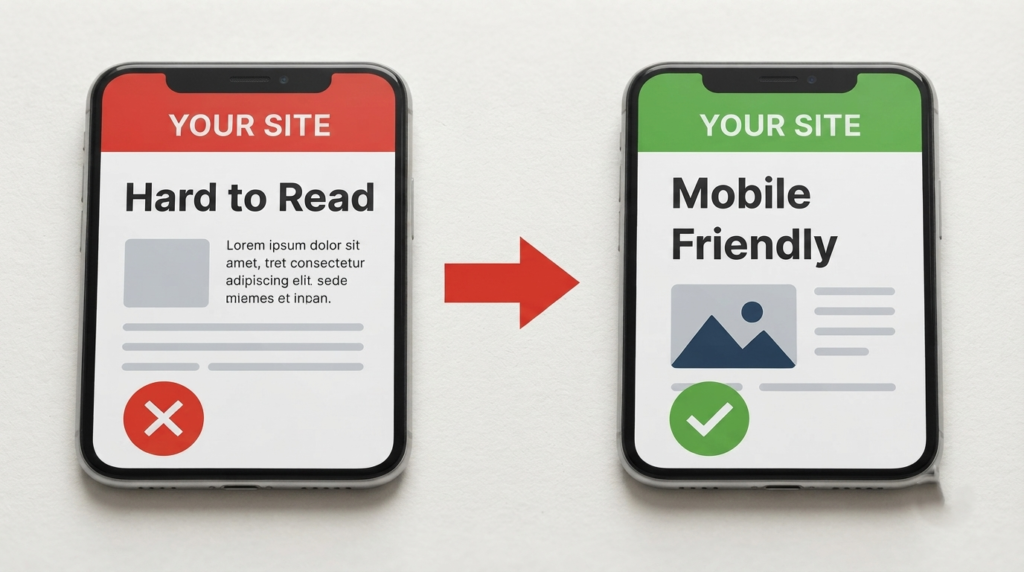
5. Poor Mobile Optimization
Today, most online searches happen on smartphones. That’s why Google primarily evaluates the mobile version of your website when determining rankings.
A website that looks perfect on desktop but performs poorly on mobile is unlikely to achieve consistent organic growth.
Common mobile issues include text that’s too small to read, buttons placed too close together, slow-loading pages, intrusive pop-ups, and layouts that don’t adapt properly to smaller screens.
Why Mobile SEO Matters
- Better rankings
- Improved user experience
- Lower bounce rates
- Higher engagement
- Increased conversions
Mobile SEO Best Practices
- Use responsive website design.
- Optimize font sizes for readability.
- Ensure buttons are easy to tap.
- Compress images for faster loading.
- Test every page on multiple devices.
- Avoid intrusive pop-ups.
Remember, mobile optimization isn’t optional anymore—it’s essential for long-term SEO success.
6. Ignoring Technical SEO
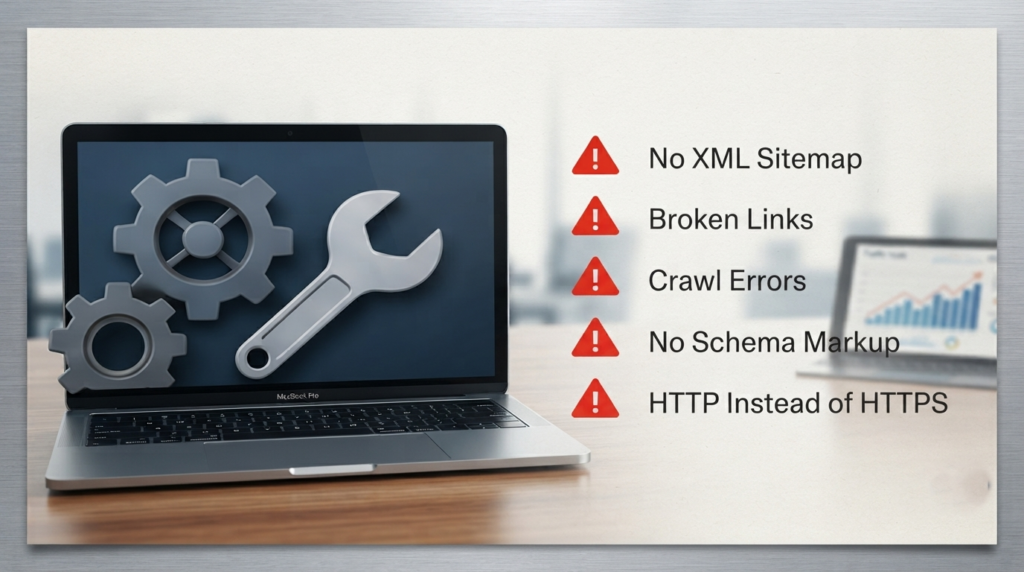
Many websites have excellent content but still struggle to rank because of technical SEO problems. Think of technical SEO as the foundation of your house. Even the best-looking home can develop serious issues if the foundation is weak.
Search engines need to crawl, understand, and index your pages efficiently. If they encounter broken links, crawl errors, missing XML sitemaps, incorrect robots.txt settings, or duplicate pages, your rankings can suffer regardless of content quality.
Common Technical SEO Mistakes
- Missing XML sitemap
- Incorrect robots.txt configuration
- Broken internal and external links
- Duplicate pages without canonical tags
- Crawl and indexing errors
- Missing structured data (Schema Markup)
- HTTP pages instead of HTTPS
How to Fix It
Perform regular technical SEO audits using trusted SEO tools. Monitor crawl errors, repair broken links, submit an updated XML sitemap, implement canonical tags where needed, and ensure all important pages are indexed.
Also, don’t ignore structured data. Schema Markup helps search engines understand your content better and can improve your chances of earning rich results in search.
Expert Tip: A monthly technical SEO audit can prevent small issues from turning into major ranking problems.
7. Weak Internal Linking
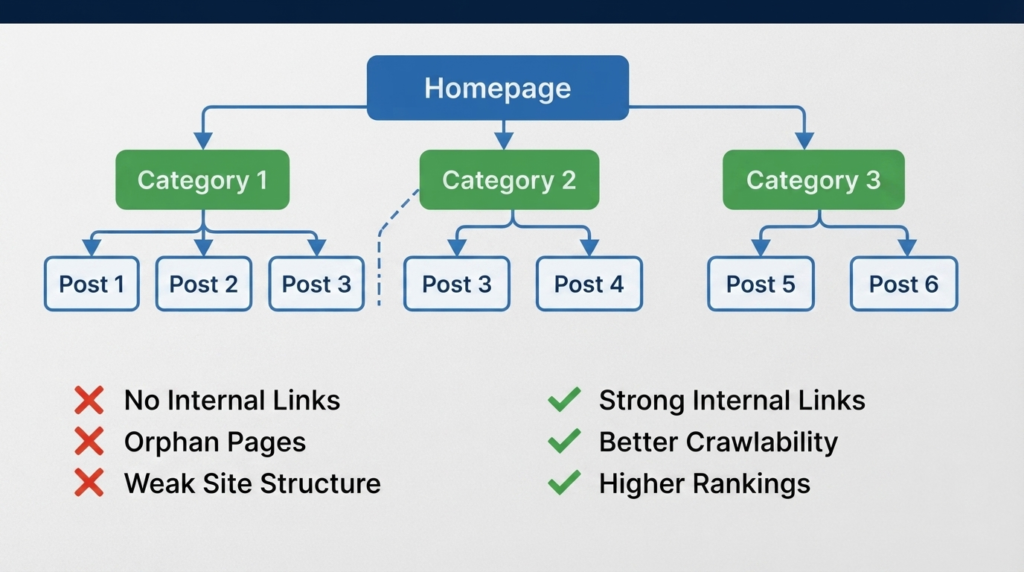
Internal linking is one of the most overlooked SEO strategies, yet it’s one of the easiest ways to improve rankings.
Internal links help search engines discover your pages, understand your website structure, and distribute authority throughout your site. They also encourage visitors to explore more content, increasing session duration and reducing bounce rates.
For example, if you publish an article about keyword research, naturally linking to related articles on on-page SEO, technical SEO, or content marketing creates a stronger content ecosystem.
Common Internal Linking Mistakes
- Orphan pages with no internal links
- Using generic anchor text like “Click Here”
- Linking too many pages unnecessarily
- Not updating old articles with links to new content
Best Practices
- Use descriptive anchor text.
- Link to relevant articles naturally.
- Add links from high-authority pages.
- Update older content whenever new articles are published.
- Create topic clusters around major subjects.
A strong internal linking strategy improves user experience while helping search engines understand your site’s hierarchy.
8. Missing On-Page SEO Elements
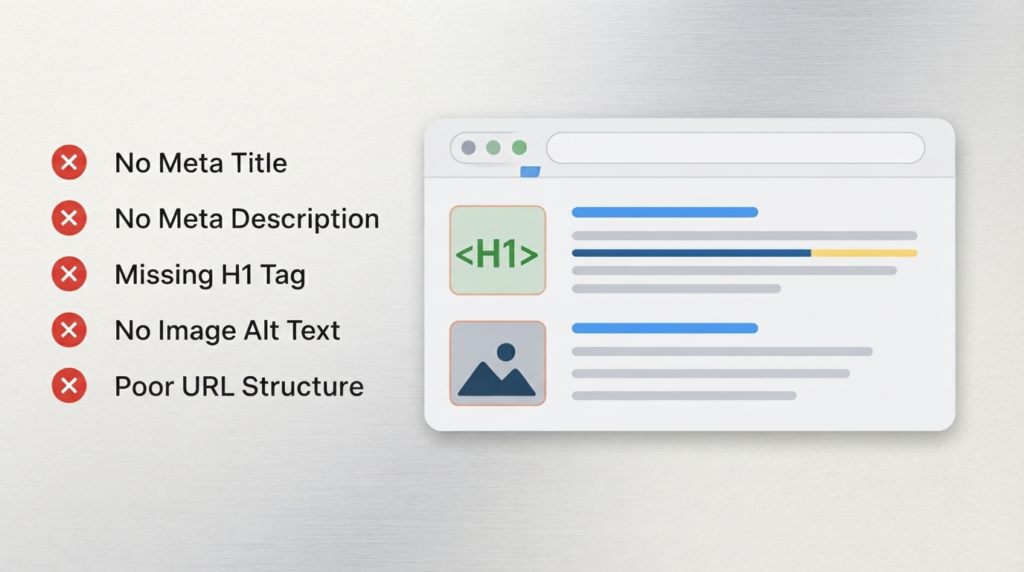
On-page SEO is far more than adding a keyword to your content. Every page should be optimized to clearly communicate its topic to both users and search engines.
Many websites forget to optimize essential elements such as title tags, meta descriptions, heading structure, image alt text, and URL slugs.
Essential On-Page SEO Checklist
- Unique SEO title
- Optimized meta description
- One clear H1 heading
- Proper H2 and H3 hierarchy
- Keyword-friendly URL
- Optimized image alt text
- Internal links
- External authority references
- Optimized image file sizes
Common Mistakes
- Duplicate title tags
- Missing meta descriptions
- Keyword stuffing
- Multiple H1 headings
- Long, confusing URLs
How to Fix It
Before publishing any article, review every on-page element. Ensure your focus keyword appears naturally in the title, first paragraph, headings, conclusion, and meta description—but avoid forcing it where it doesn’t belong.
Remember, on-page SEO isn’t about pleasing search engines alone. It’s about making your content easier for people to understand and navigate.
9. Ignoring User Experience Signals
Google increasingly measures how users interact with your website. If visitors leave immediately, struggle to navigate, or can’t find the information they need, those negative engagement signals can indirectly affect your SEO performance.
A great user experience keeps readers engaged and encourages them to explore additional pages.
Signs of Poor User Experience
- Cluttered page layout
- Too many advertisements
- Difficult navigation
- Tiny fonts
- Long, unreadable paragraphs
- Slow page loading
- Intrusive pop-ups
How to Improve User Experience
- Write short paragraphs.
- Use descriptive headings.
- Add bullet points where appropriate.
- Include relevant images and tables.
- Improve page speed.
- Keep navigation simple.
- Ensure content is easy to scan on mobile devices.
A visitor who enjoys reading your content is more likely to stay longer, return later, and share your article—all positive signals for long-term SEO success.

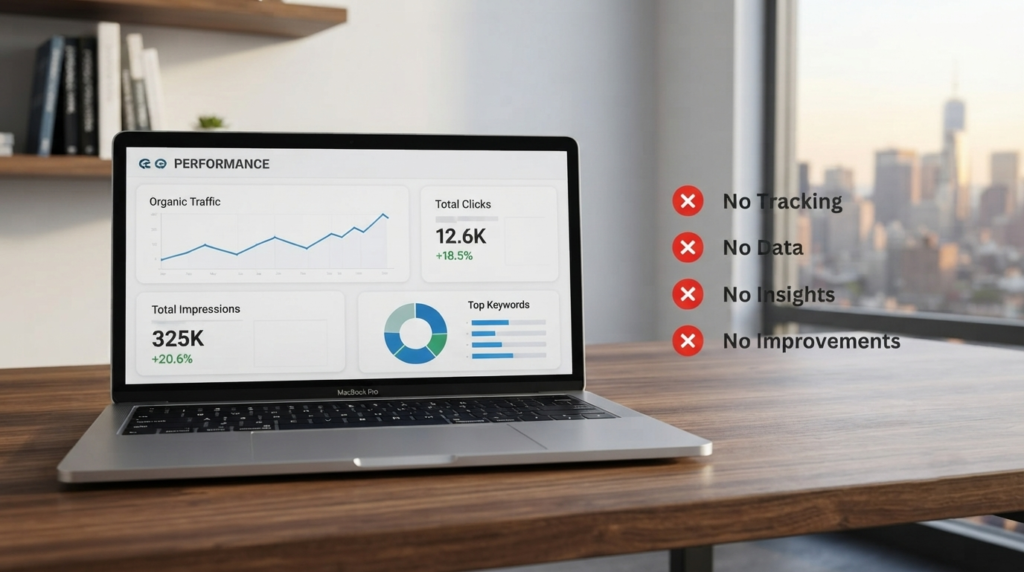
10. Not Tracking SEO Performance
One of the biggest SEO mistakes is publishing content and never checking how it performs.
SEO isn’t a one-time task. It’s an ongoing process of testing, measuring, and improving.
Without data, you’re simply guessing what’s working.
Important SEO Metrics to Monitor
- Organic traffic
- Keyword rankings
- Click-through rate (CTR)
- Bounce rate
- Average engagement time
- Indexed pages
- Backlinks
- Core Web Vitals
- Conversion rate
Tools Every Website Owner Should Use
- Google Search Console
- Google Analytics 4
- Bing Webmaster Tools
- PageSpeed Insights
Regularly reviewing these reports helps you identify declining pages, discover new keyword opportunities, and improve existing content before rankings drop.
Expert Tip: Update your highest-performing articles every few months with fresh information, new statistics, and additional insights to keep them competitive.
Conclusion
Avoiding these 10 SEO mistakes that are killing your website traffic can dramatically improve your website’s visibility, search rankings, and long-term organic growth. While SEO continues to evolve, the fundamentals remain the same: create valuable content, provide an excellent user experience, maintain a technically sound website, and continuously monitor performance.
Rather than chasing shortcuts or outdated tactics, focus on building a website that genuinely helps your audience. Search engines reward websites that demonstrate expertise, trustworthiness, and relevance.
At Read Hub, we believe sustainable SEO success comes from consistent improvement—not quick fixes. Start by addressing one issue at a time, and you’ll build a stronger foundation for lasting organic traffic.
If you have any questions or concerns regarding this topic, feel free to contact us through our Contact Us page or reach out via the WhatsApp button available on Read Hub. We’re always happy to help!
FAQ
1. What is the biggest SEO mistake websites make?
Ignoring search intent is one of the most damaging mistakes. If your content doesn’t answer what users are actually searching for, ranking becomes much more difficult.
2. How often should I perform an SEO audit?
A comprehensive SEO audit every three to six months is recommended, with monthly checks for technical issues, broken links, and indexing errors.
3. Can duplicate content hurt SEO?
Yes. Duplicate content can confuse search engines, split ranking signals, and reduce your pages’ visibility in search results.
4. Does website speed really affect rankings?
Yes. Google considers page experience and Core Web Vitals as ranking signals. Faster websites also improve user satisfaction and conversion rates.
5. Why is internal linking important?
Internal links help search engines understand your site’s structure, distribute authority, and encourage visitors to explore more pages.
6. Is mobile optimization still important in 2026?
Absolutely. With Google’s mobile-first indexing, a poor mobile experience can negatively impact rankings and user engagement.
7. Which free SEO tools should beginners use?
Google Search Console, Google Analytics 4, Bing Webmaster Tools, and PageSpeed Insights are excellent free tools for monitoring SEO performance.
8. How long does it take to see SEO results?
SEO is a long-term strategy. Depending on your niche, competition, and website authority, noticeable improvements typically take 3–6 months, while highly competitive industries may require even longer.