
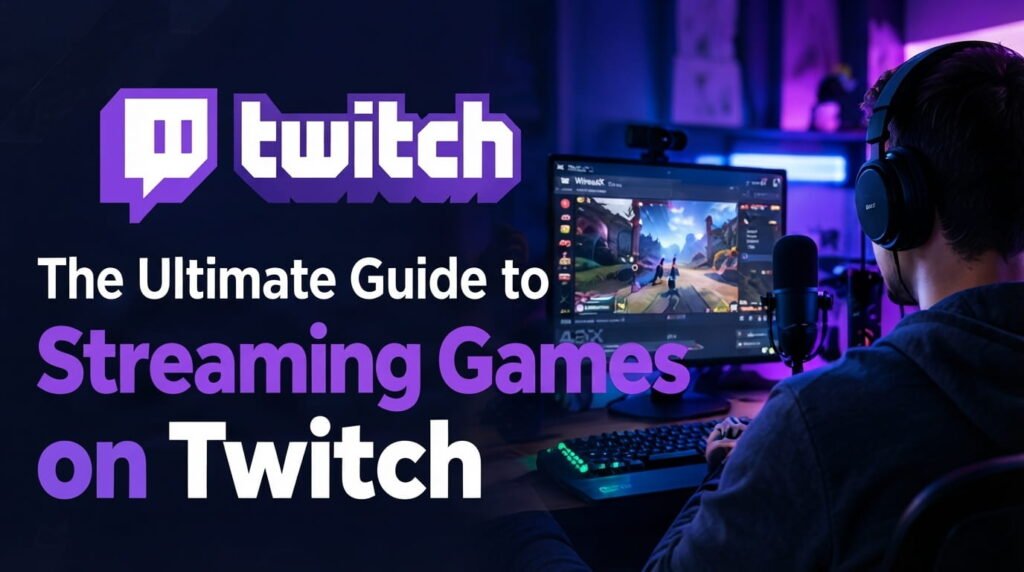
Streaming games on Twitch is a practical way to share your gameplay, connect with other gamers, and build an online audience. However, successful streaming involves more than simply pressing the Go Live button. Your equipment, audio quality, internet connection, stream settings, and interaction with viewers all contribute to the overall experience. Whether you’re starting your first Twitch channel or improving an existing one, this guide covers the essential steps you need to create a professional and enjoyable stream without spending more than necessary.
Set Up Your Twitch Channel
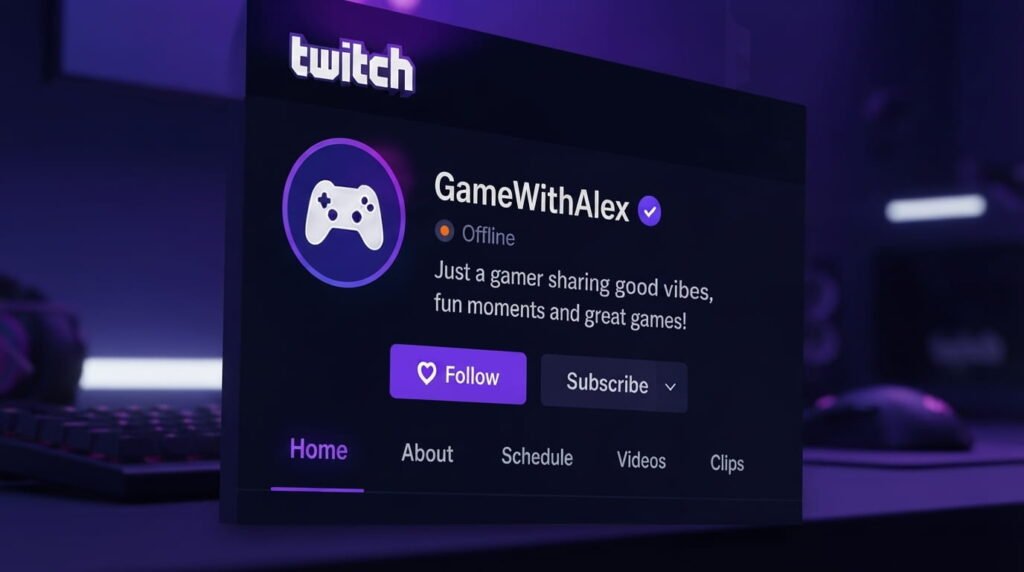
Start by creating a recognizable Twitch profile with a memorable username, clear profile image, and short description explaining your content. Choose a gaming category or content style that matches your interests and maintain a consistent identity across your channel. A simple, professional profile makes it easier for new viewers to understand what your channel offers.
Choose the Right Equipment
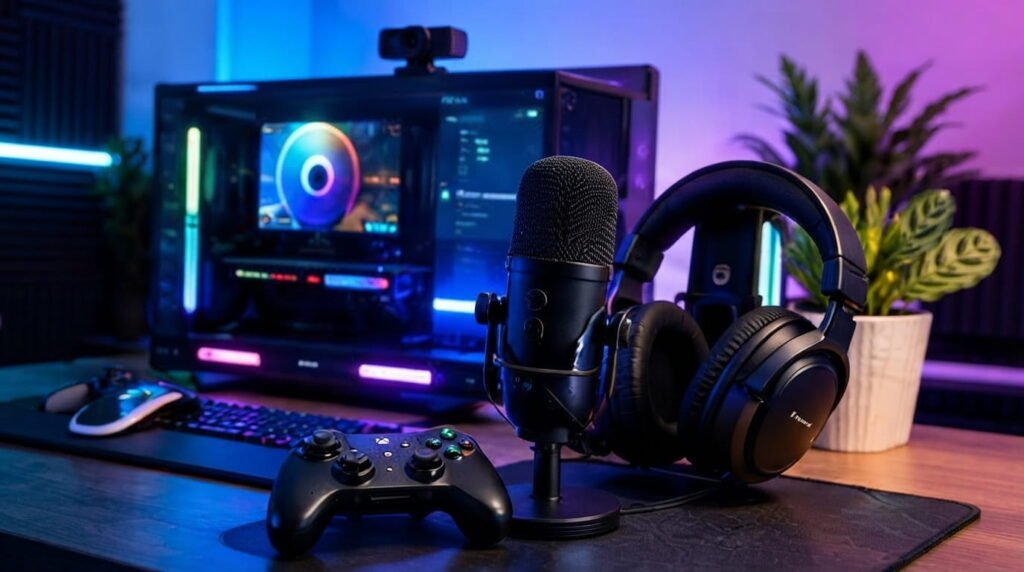
You don’t need an expensive studio to begin streaming. A capable gaming PC or console, stable internet connection, headphones, and a good microphone are enough for most beginners. Audio is especially important because viewers need to hear your commentary clearly. If you use a webcam, basic front-facing lighting can also make your video look considerably better without requiring expensive equipment.
Select Streaming Software
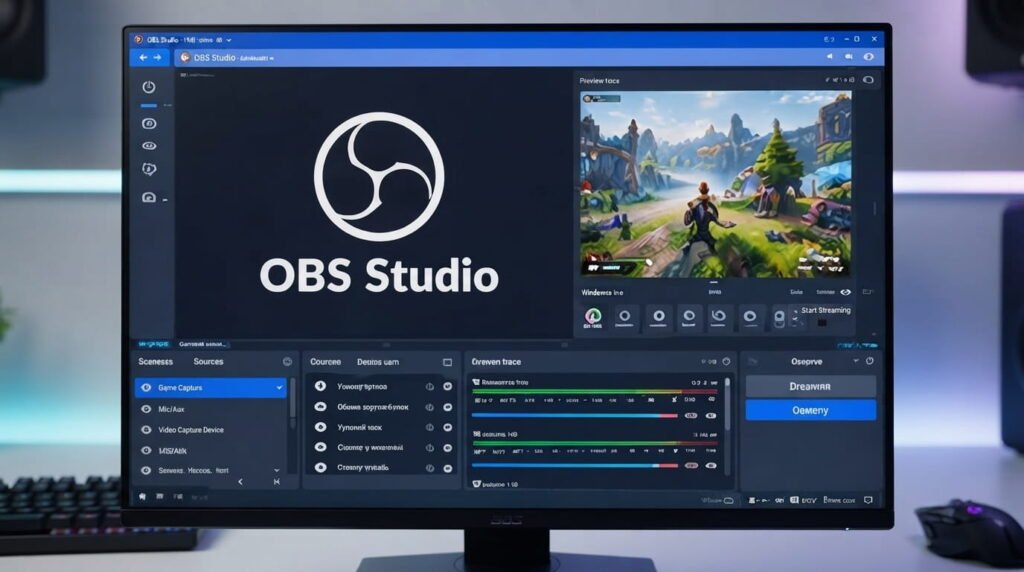
Streaming software allows you to send gameplay to Twitch while managing scenes, audio, alerts, and other elements. OBS Studio is a popular option because it provides extensive customization without requiring a complicated setup. Begin with a few essential scenes, such as Starting Soon, Gameplay, and Be Right Back, and add advanced overlays or widgets later as you become more comfortable.
Configure Stream Quality
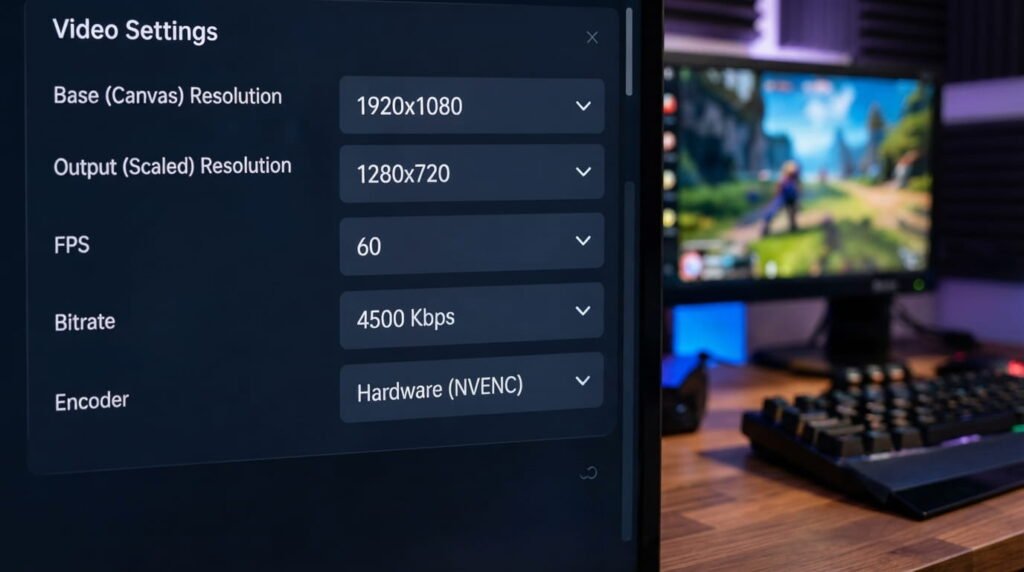
Choose your resolution, frame rate, bitrate, and encoder according to your computer and internet connection rather than automatically selecting the highest settings. If your stream suffers from dropped frames or buffering, lowering certain settings can provide a smoother viewing experience. Always test your stream before broadcasting regularly and check both gameplay and microphone audio for problems.
Engage Your Viewers
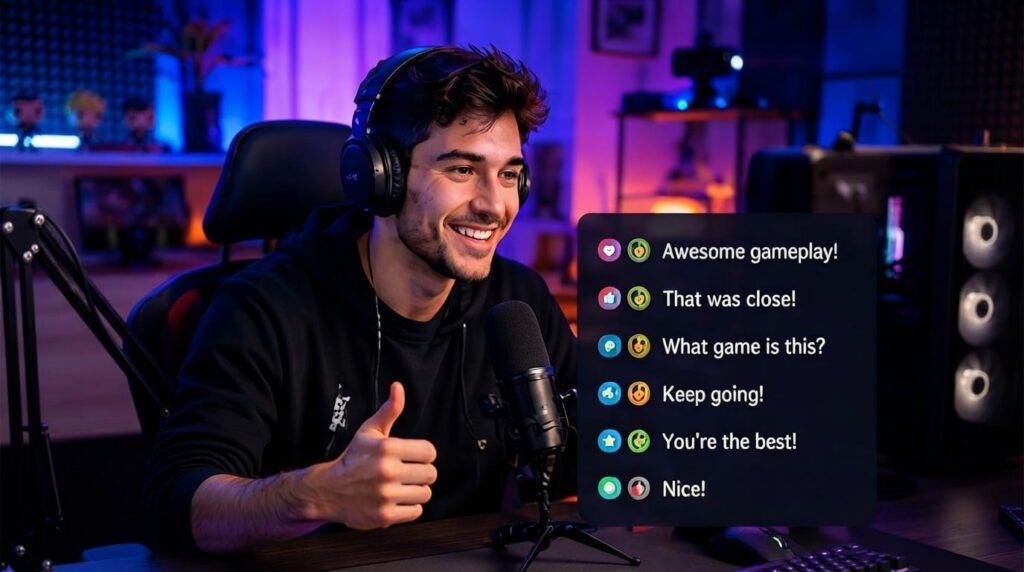
Viewers are more likely to return when they feel involved, so avoid spending the entire stream in silence. Talk naturally about your gameplay, respond to chat messages, ask questions, and let your personality show. Creating simple recurring formats such as challenges, ranked sessions, community games, or themed streams can also give your audience a reason to return.
Grow Your Twitch Channel
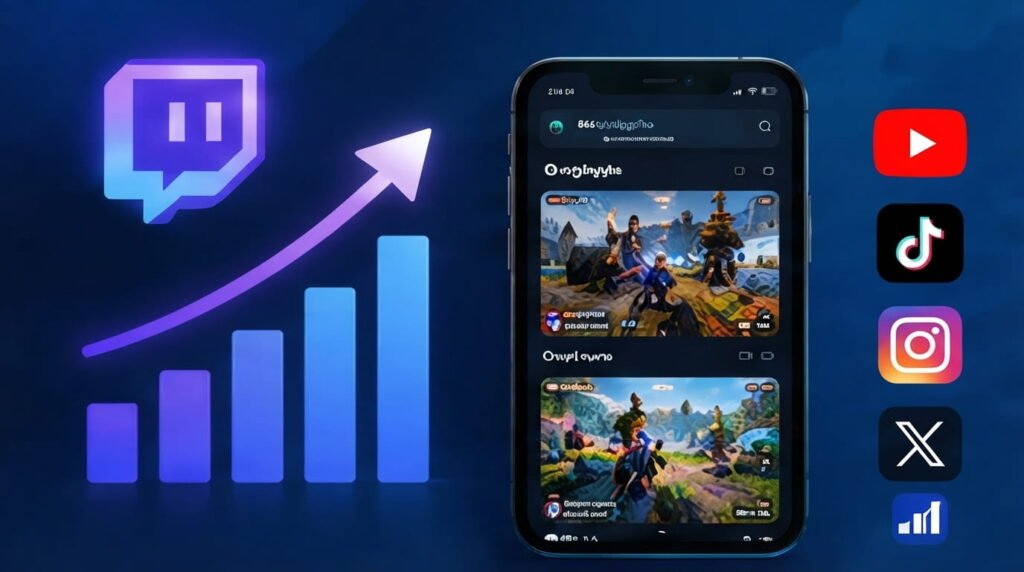
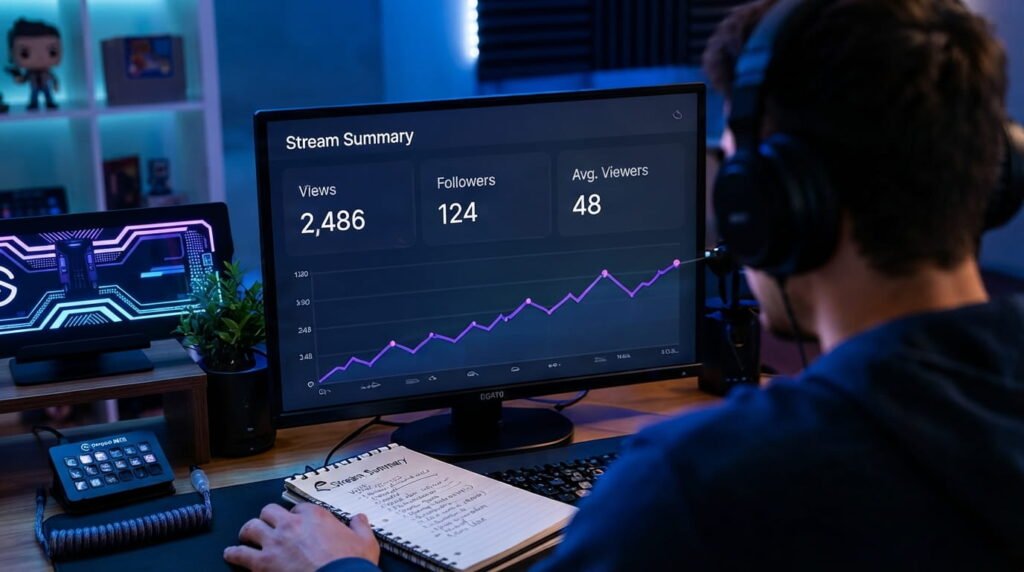
Consistent content is important for building an audience over time. Create a realistic streaming schedule and promote useful or entertaining clips through other social platforms. Short gameplay highlights, funny moments, and interesting tips can introduce your content to people who may not discover your live stream otherwise. Reviewing your Twitch analytics can also help you understand which content attracts the most engagement.
Avoid Common Streaming Mistakes
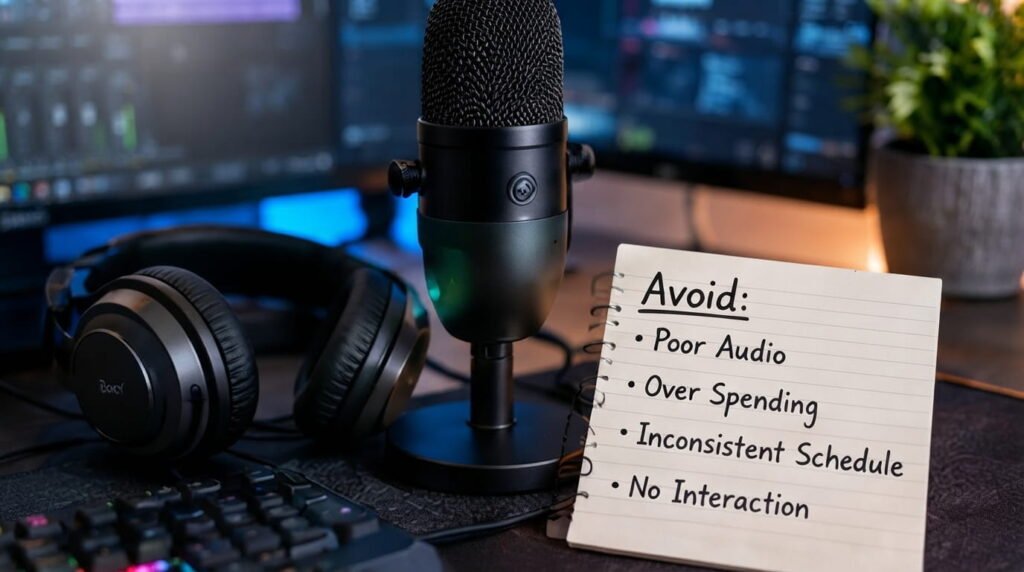
Many beginners spend too much money on equipment before understanding what their audience actually needs. Poor microphone settings, unbalanced game audio, inconsistent schedules, and long periods without interaction can also hurt the viewing experience. Start with a simple setup, test everything before going live, and improve one part of your stream at a time instead of trying to change everything at once.
Follow Twitch Rules
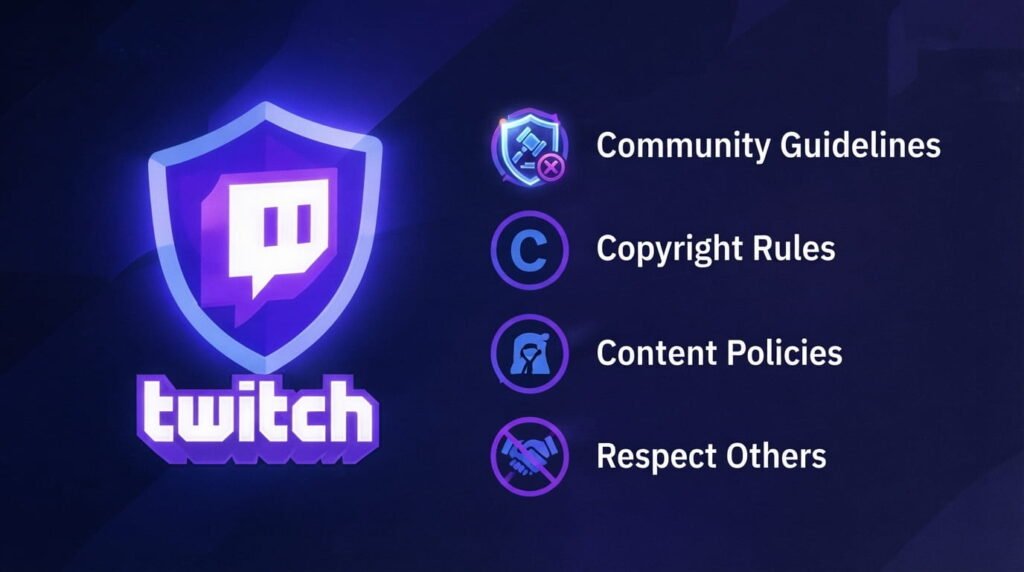
Before streaming regularly, review Twitch’s current community guidelines, copyright requirements, and content policies. Protect your privacy by hiding personal notifications, account information, and other sensitive details from your screen. Understanding the platform’s rules from the beginning can help you avoid preventable issues as your channel grows.
Improve Your Streams
Your first stream doesn’t need to be perfect. After each broadcast, review the audio, video quality, viewer interaction, and technical performance to identify areas that need improvement. Small changes made consistently can significantly improve your content over time. Focus on creating an enjoyable experience rather than trying to copy every feature used by larger streamers.
Conclusion
Streaming games on Twitch becomes much easier when you focus on the fundamentals: reliable equipment, clear audio, stable internet, sensible settings, engaging commentary, and consistent content. You don’t need the most expensive setup to get started; instead, concentrate on creating a comfortable experience for your viewers and improving with every stream. For more practical gaming and technology guides, keep exploring Read Hub.
If you have any questions or concerns regarding this topic, feel free to contact us through our Contact Us page or reach out via the WhatsApp button available on Read Hub. We’re always happy to help!
FAQ
What do I need to stream games on Twitch?
You need a gaming device, stable internet, streaming software, and a microphone. A webcam is optional.
Is OBS good for Twitch streaming?
Yes. OBS Studio is a popular option that lets you manage gameplay, audio, scenes, overlays, and other streaming elements.
Can I stream on Twitch without a webcam?
Yes. A webcam isn’t necessary. You can stream gameplay with voice commentary, graphics, or other visual elements instead.
How can I get more Twitch viewers?
Maintain a consistent schedule, interact with viewers, create engaging content, and share useful clips or highlights on other platforms.
What is most important for a Twitch stream?
Clear audio, stable video, engaging commentary, and consistent interaction are among the most important elements of a good viewing experience.