

The internet makes everyday life easier, but it also creates opportunities for scammers, hackers, and cybercriminals to target personal information. From phishing emails to stolen passwords, even a small mistake can put your accounts and data at risk. That’s why learning practical cybersecurity tips is important for everyone, not just technology experts.
The good news is that you don’t need advanced technical knowledge to improve your online security. A few smart habits can make a significant difference. In this guide, Read Hub shares ten simple steps you can use to protect your accounts, devices, personal information, and digital identity.
1. Use Strong and Unique Passwords
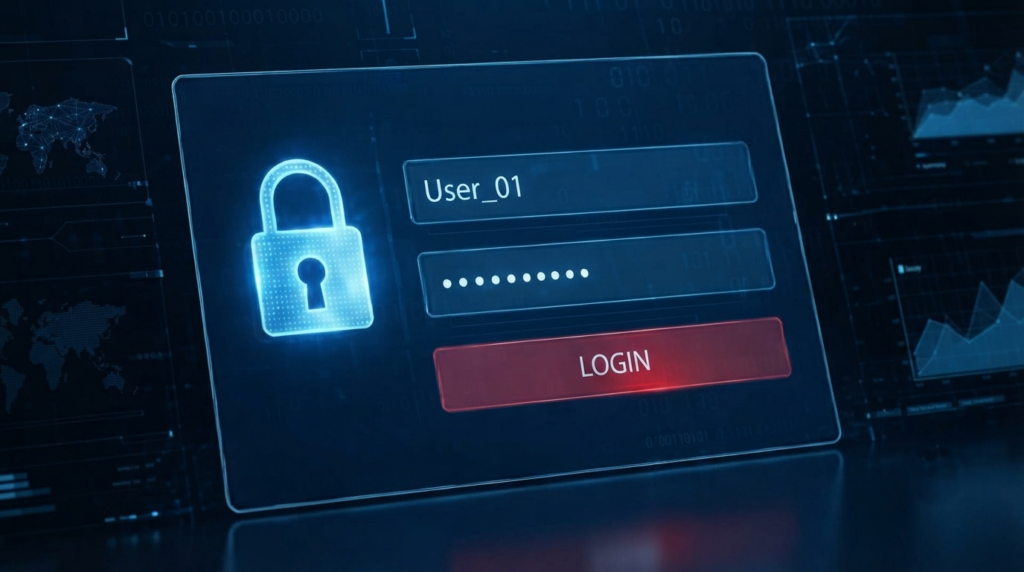
One of the easiest ways to improve online security is to stop reusing the same password everywhere. If one website suffers a data breach, criminals may try the stolen password on your email, shopping, banking, or social media accounts.
Create a long, unique password for every important account. A password manager can help generate and securely store complex passwords so you don’t have to memorize them all.
Avoid obvious choices such as birthdays, names, phone numbers, or simple patterns. Your email account deserves especially strong protection because it may be used to reset other passwords.
2. Turn On Multi-Factor Authentication
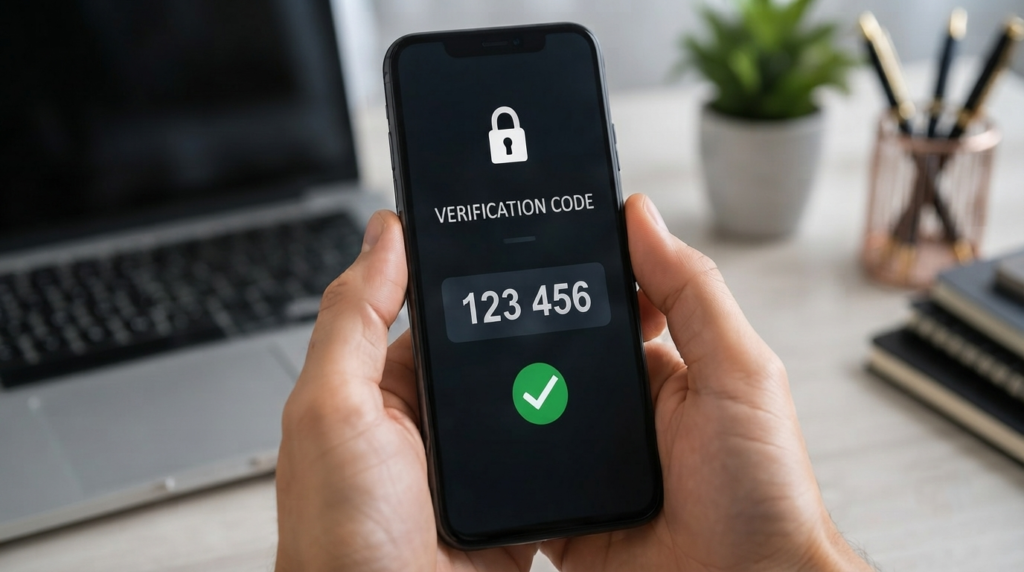
A strong password is useful, but it isn’t always enough. Multi-factor authentication (MFA) adds another layer of protection by requiring an additional verification step when you sign in.
Depending on the service, this could be an authenticator app, security key, or verification code. Even if someone obtains your password, MFA can make it much harder for them to access the account.
Start with your email, financial accounts, cloud storage, and social media profiles. These accounts often contain information that attackers can use to target you further.
3. Keep Your Software Updated
Software updates aren’t just about getting new features. They frequently include security fixes for vulnerabilities that criminals could exploit.
Keep your operating system, web browser, mobile apps, antivirus software, and other important programs updated. Turn on automatic updates when they’re available and practical.
The same applies to your phone. Delaying updates for weeks or months can leave known security weaknesses unpatched. A few minutes spent updating your device can prevent much bigger problems later.

4. Learn to Spot Phishing Scams
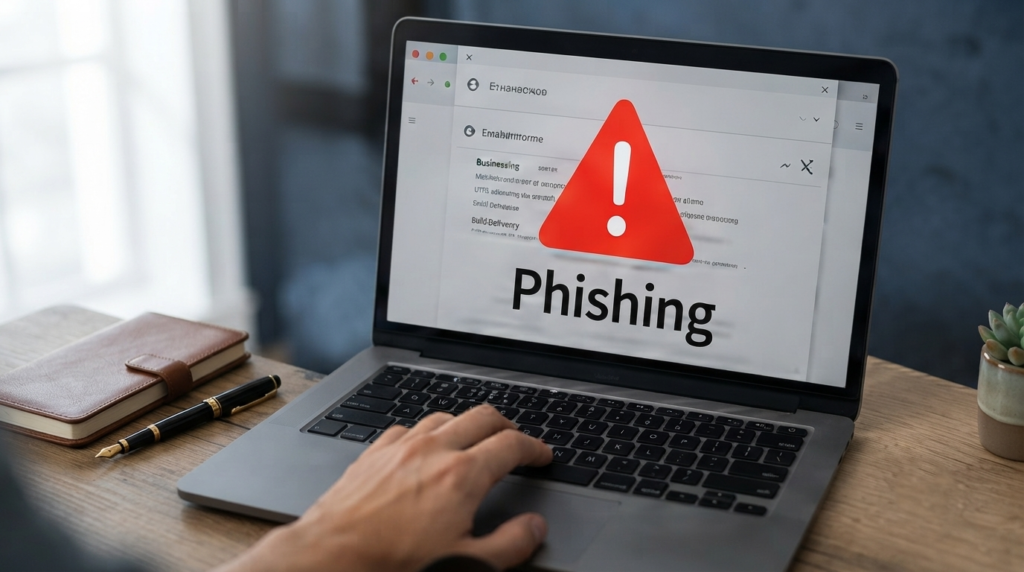
Phishing is one of the most common online threats. A fraudulent message may pretend to come from a bank, delivery company, employer, social media platform, or even someone you know.
Be cautious when a message creates urgency, asks for sensitive information, or tells you to click a suspicious link. Don’t assume a message is genuine simply because it contains a familiar logo or uses your name.
Before clicking, check the sender and destination carefully. If a bank or company contacts you unexpectedly, open its official website or app yourself rather than using a link in the message.
5. Secure Your Wi-Fi Network
Your home Wi-Fi network connects phones, computers, televisions, smart devices, and other equipment to the internet. Protecting it is an important part of basic cybersecurity.
Change the router’s default administrator password and use strong Wi-Fi encryption supported by your router. Keep the router’s firmware updated and avoid sharing your main Wi-Fi password unnecessarily.
If your router offers a guest network, consider using it for visitors and devices that don’t need access to your primary network.

6. Be Careful With Public Wi-Fi
Free Wi-Fi at airports, cafés, hotels, and other public places can be convenient, but you should avoid treating it like your trusted home network.
Don’t enter sensitive information on an unfamiliar network unless you have appropriate security protections in place. Be particularly careful with banking, financial transactions, and other accounts containing highly sensitive data.
When possible, use your mobile connection or a trusted personal hotspot. Also, disable automatic Wi-Fi connections so your device doesn’t connect to unknown networks without your knowledge.

7. Protect Your Personal Information
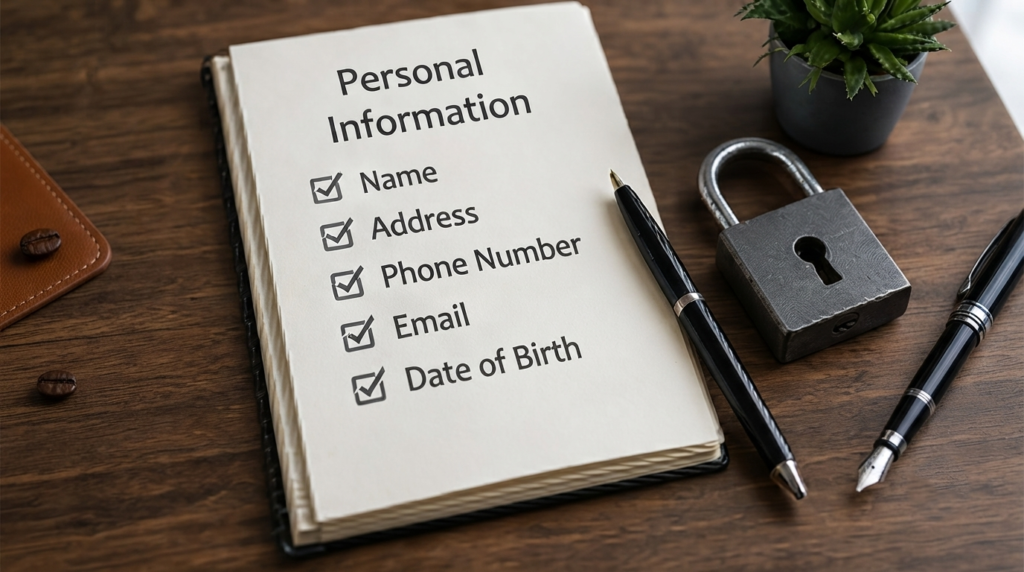
Your name, address, phone number, location, workplace, birthday, and other personal details can be valuable to scammers. Think carefully before sharing information online.
Review the privacy settings on your social media accounts and avoid publicly posting details that could help someone guess your passwords or security questions.
Be skeptical when websites, apps, quizzes, or strangers request unnecessary personal information. Before providing data, ask yourself whether the service genuinely needs it.
8. Back Up Important Data
Cybersecurity isn’t only about preventing attacks. It’s also about being prepared if something goes wrong.
Important documents, photographs, school files, business records, and other valuable data should be backed up regularly. Consider keeping backups in a separate location or using a reputable cloud backup service.
A backup can be especially valuable after device failure, accidental deletion, or a ransomware incident. Test your backups occasionally to make sure your important files can actually be restored.

9. Use Security Software
Reliable security software can provide an additional layer of defense against malware, suspicious downloads, and other threats.
Keep your device’s built-in security features enabled and make sure security software receives regular updates. Be cautious about downloading unknown antivirus programs or browser extensions, because some fake security tools are themselves malicious.
Security software works best alongside good habits. It shouldn’t replace careful browsing, strong passwords, MFA, and regular updates.

10. Monitor Your Accounts Regularly
Even with strong security habits, you should keep an eye on your accounts. Regular monitoring can help you notice suspicious activity before it becomes a bigger problem.
Review bank statements, credit-card activity, email login alerts, and important account notifications. If you see an unfamiliar login, transaction, password-reset request, or security alert, investigate it promptly.
If you believe an account has been compromised, change the password from a trusted device, sign out of other sessions where possible, enable MFA, and follow the service’s official account-recovery process.

A Simple Online Security Checklist
Before you consider your digital security routine complete, ask yourself:
- Do I use unique passwords for important accounts?
- Is MFA enabled wherever it is available?
- Are my phone and computer updated?
- Can I recognize common phishing attempts?
- Is my home Wi-Fi properly secured?
- Do I avoid sensitive activities on untrusted public networks?
- Do I limit the personal information I share online?
- Are my important files backed up?
- Is my device’s security protection enabled?
- Do I regularly check important accounts for suspicious activity?
If several answers are “no,” don’t try to fix everything at once. Start with your email password and MFA, then work through the remaining steps one at a time.

Conclusion
Good online security doesn’t require you to become a cybersecurity professional. These cybersecurity tips focus on simple habits that can reduce common risks, from using unique passwords and MFA to recognizing phishing attempts and backing up important files.
The most important thing is consistency. Cyber threats continue to change, so your security habits should change with them. At Read Hub, we aim to make technology and online safety easier to understand so you can make smarter decisions in your everyday digital life.
If you have any questions or concerns regarding this topic, feel free to contact us through our Contact Us page or reach out via the WhatsApp button available on Read Hub. We’re always happy to help!
FAQ
What is the most important cybersecurity tip?
Using a unique, strong password together with multi-factor authentication is one of the most effective ways to protect important online accounts. Start with your email and financial accounts.
How can I protect myself from phishing?
Don’t click unexpected links or attachments, especially when a message creates urgency or asks for sensitive information. Verify the sender independently and visit the company’s official website directly.
Should I use the same password for different accounts?
No. Reusing passwords creates a major security risk because a stolen password from one service may be tested against your other accounts. Use unique passwords or a reputable password manager.
Is public Wi-Fi safe?
Public Wi-Fi can carry additional risks because you don’t control the network. Avoid sensitive activities on untrusted networks when possible, and use a trusted mobile hotspot for important transactions.
How often should I back up my data?
Important files should be backed up regularly, with the frequency depending on how often your data changes. Valuable work or personal files may benefit from automatic or frequent backups.