

A smart home setup doesn’t require expensive gadgets in every room. The idea is to use technology that makes everyday tasks easier, whether that’s controlling lights, checking your front door, managing energy, or creating simple routines. The best approach is to start with a few useful devices and expand gradually. A reliable Wi-Fi connection, compatible products, strong passwords, and sensible automation can make your setup more useful and secure. In this guide, Read Hub explains the essential steps for creating a practical smart home without unnecessary spending.

Decide What You Want to Automate
Before buying smart devices, think about what you actually want to improve around your home. You might want lights to switch on automatically, control appliances remotely, monitor your front door, or make your daily routine more convenient. Making a short list of your goals can prevent unnecessary purchases and help you choose the right products. If convenience is your priority, smart lights and plugs may be enough, while home security needs may call for a smart doorbell or camera.

Choose the Right Smart Home Ecosystem
Compatibility is important because not every smart device works with every platform. Popular ecosystems include Amazon Alexa, Google Home, and Apple Home, while Matter is designed to improve compatibility between supported smart home products. Before purchasing anything, check whether the device works with your preferred platform and whether important features require a subscription. Choosing one ecosystem that supports most of your planned devices can make your smart home easier to manage.

Build a Reliable Network
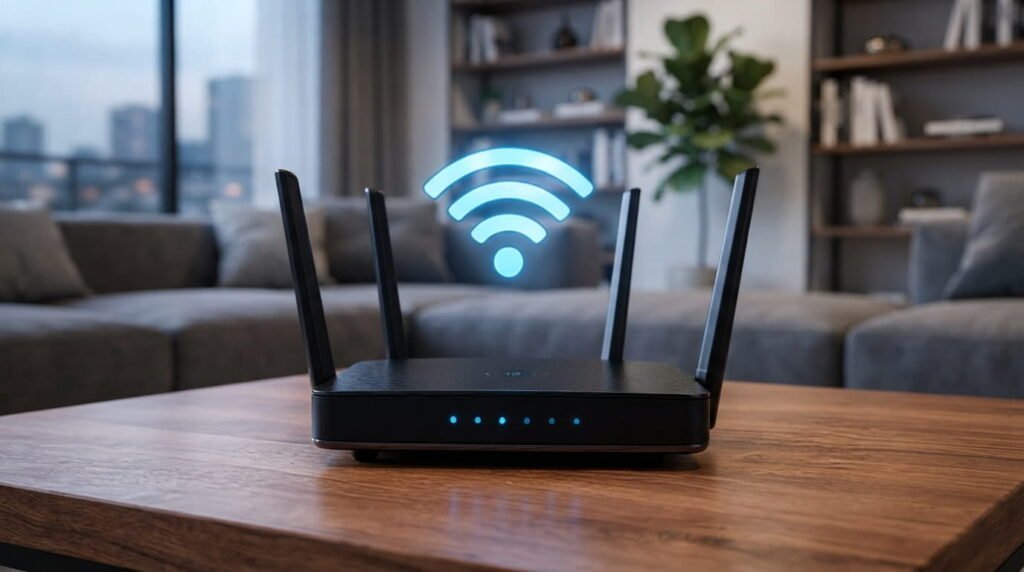
A reliable Wi-Fi connection is one of the foundations of a good smart home. Place your router in a suitable central location and check the signal in rooms where you plan to install connected devices. If certain areas have weak coverage, a mesh Wi-Fi system may help provide more consistent connectivity. Depending on your router, you can also consider using a guest network or other network-separation features for smart devices. Testing your connection before adding multiple gadgets can prevent many common problems.
Start With Useful Smart Devices
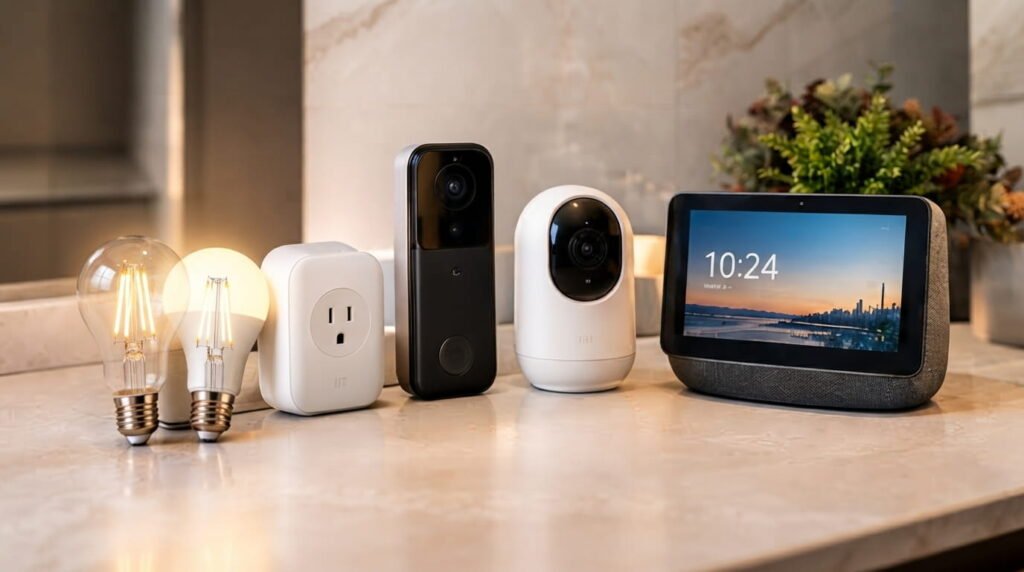
You don’t need to automate your entire home at once. Smart bulbs, smart switches, and smart plugs are simple options for beginners, while smart doorbells and cameras can be useful for home monitoring. A smart speaker or display can provide convenient voice control for compatible devices, but you may only need one to start. Focus on products that solve a real problem rather than buying gadgets simply because they are advertised as smart. This keeps your setup affordable and easier to manage.
Create Automations and Secure Your Setup
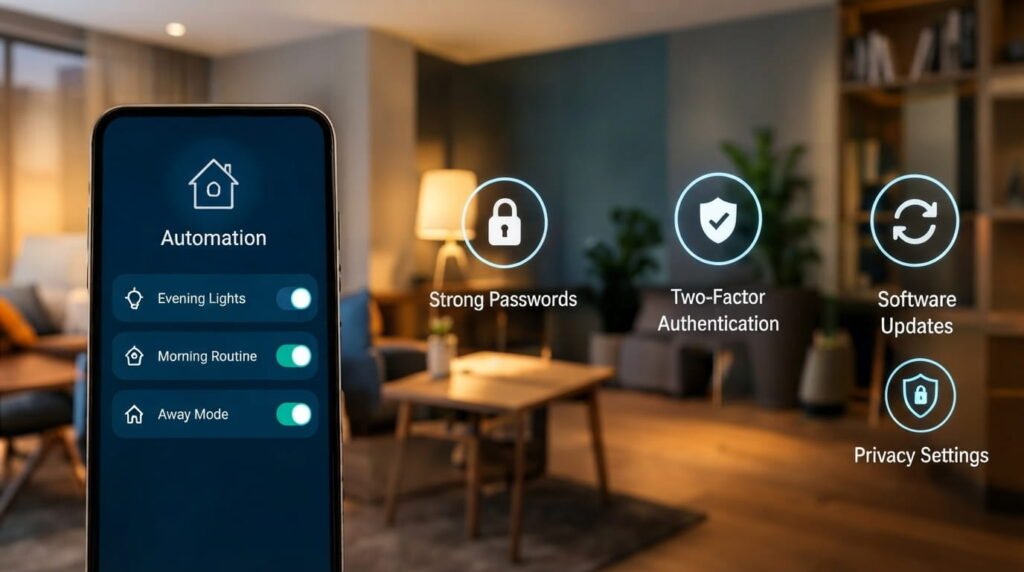
Automation is where a smart home becomes especially useful because devices can respond to schedules, conditions, or specific actions. For example, you can schedule selected lights to turn on in the evening or create a morning routine for compatible devices. Keep your first routines simple and add more only when needed. Security should also be part of your setup from the beginning: use strong and unique passwords, enable two-factor authentication where available, install software updates, and review privacy settings. Cameras and microphones deserve extra attention because they may handle sensitive information.
Conclusion
A successful smart home setup is about choosing useful technology rather than collecting as many devices as possible. Start with your goals, select compatible products, make sure your Wi-Fi is reliable, and introduce automation gradually. Don’t overlook security, software updates, and privacy settings when connecting devices to your home network. With a few carefully selected products, you can create a convenient smart home without making the setup complicated. Read Hub aims to make technology topics easier to understand so you can make practical choices for your home.
If you have any questions or concerns regarding this topic, feel free to contact us through our Contact Us page or reach out via the WhatsApp button available on Read Hub. We’re always happy to help!
FAQ
What are the basic employment rights of U.S. workers?
Workers may have protections involving wages, overtime, workplace safety, discrimination, leave, and retaliation. The exact rights depend on federal, state, and local laws.
Can an employer pay less than minimum wage?
Covered employees generally must receive at least the applicable minimum wage, although certain legal exceptions exist. State and local minimum wages may be higher than the federal rate.
Do all employees receive overtime pay?
No. Many nonexempt employees receive overtime after working more than 40 hours in a workweek, but some employees may be legally exempt from federal overtime requirements.
What should I do about workplace discrimination?
Document what happened and keep relevant emails, messages, schedules, and other records. You can also use your employer’s complaint process or seek guidance from an appropriate government agency or employment attorney.
Can an employer retaliate against an employee?
Certain legally protected complaints and activities have retaliation protections. Whether a specific action is unlawful depends on the circumstances and applicable law.