
Finding the best free AI tools for content creators can save hours of work and make content production much easier. Whether you write blog posts, design social media graphics, edit videos, create images, or manage a YouTube channel, AI can help with many time-consuming tasks. The good news is that you do not always need an expensive subscription to get started. Many useful AI platforms offer free plans or free features that are enough for beginners and casual creators. In this guide, Read Hub explores some practical AI tools worth trying and explains how each one can fit into your content workflow.
1. ChatGPT for Writing and Brainstorming
ChatGPT can be useful when you are stuck for ideas or need help organizing content. Creators can use it for blog outlines, video scripts, captions, titles, content calendars, and brainstorming.
Instead of asking AI to create everything without direction, give it clear instructions about your audience, tone, topic, and desired format. This usually produces more useful results that still allow you to add your own experience and personality.

2. Canva for Designs and Graphics
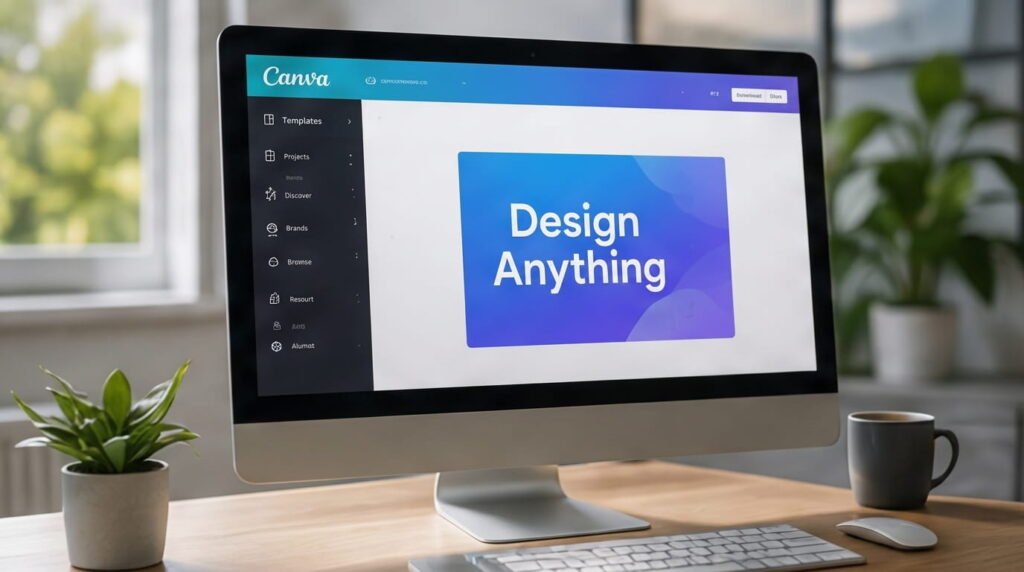
Canva is a popular choice for creators who need social media posts, thumbnails, presentations, banners, and other visual content.
Its AI-powered features can speed up tasks such as generating design ideas, removing backgrounds, and creating visual elements. The free version is particularly useful for beginners who want professional-looking designs without learning complicated editing software.
3. CapCut for Video Creation
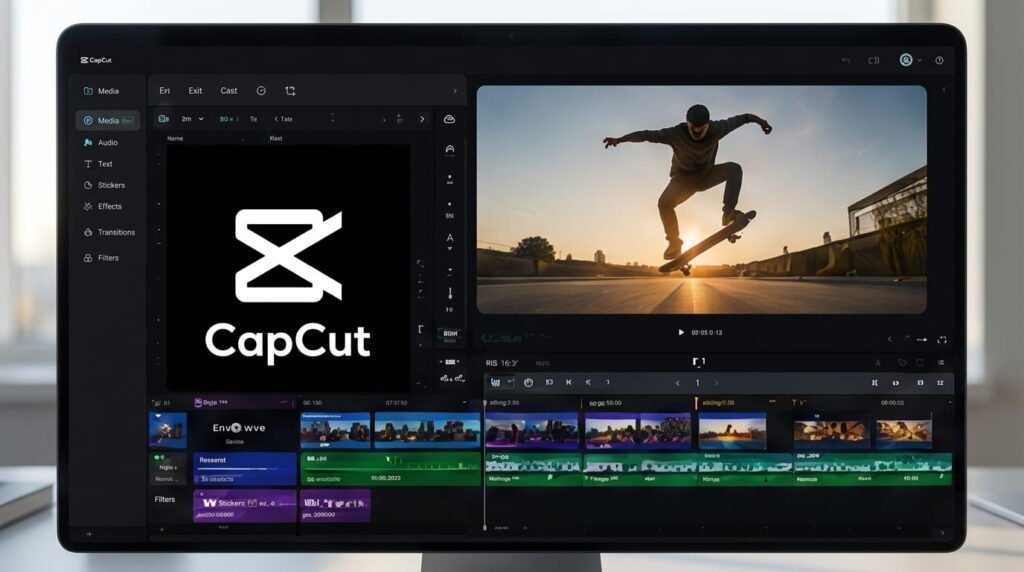
For short-form videos, Reels, TikToks, and YouTube content, CapCut provides several tools that can simplify editing.
Creators can use features such as automatic captions, templates, effects, transitions, and AI-assisted editing. A simple workflow is to create your script first, record or generate your visuals, then use CapCut to assemble the final video.
4. Grammarly for Editing
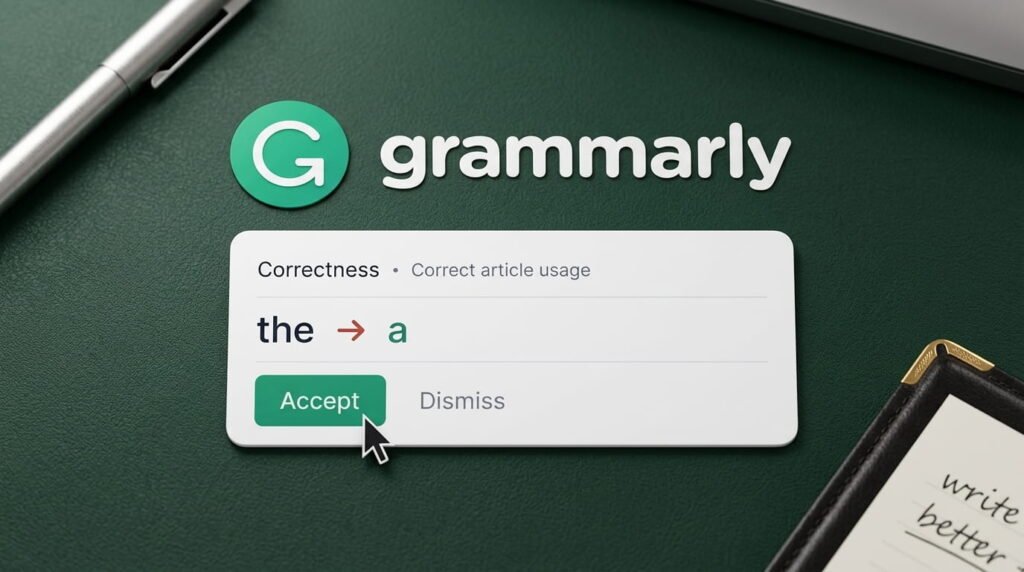
Even strong writers make spelling, grammar, and clarity mistakes. Grammarly can help creators polish their writing before publishing.
It is useful for blog posts, emails, captions, website copy, and other everyday content. Use it as an editing assistant rather than allowing it to completely change your writing style.
5. Leonardo AI for Image Creation
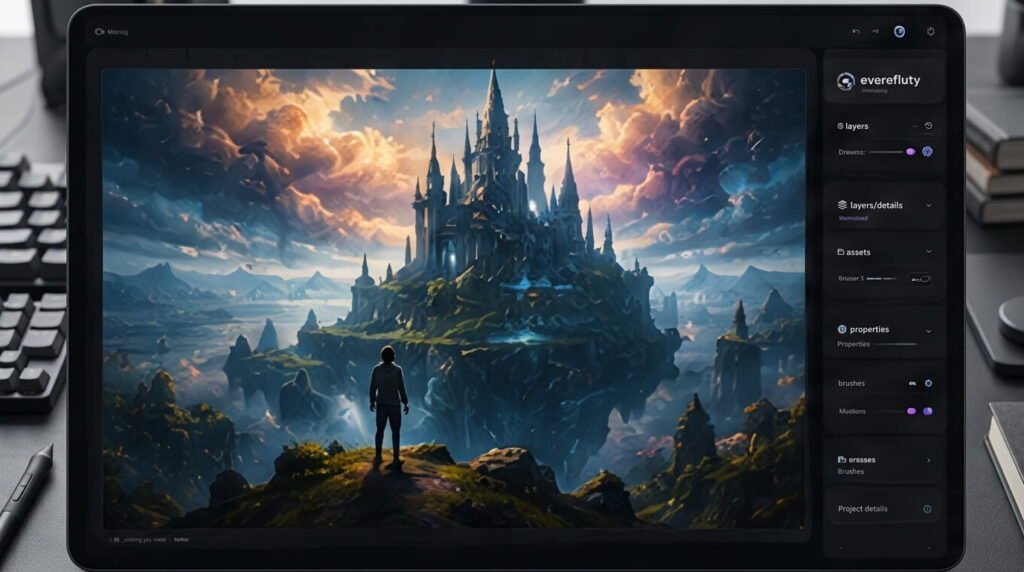
Creators who need original visuals can explore AI image-generation platforms such as Leonardo AI. These tools can help produce illustrations, concept images, thumbnails, and creative visuals from text prompts.
When generating images, specific prompts usually work better. Mention the subject, setting, mood, composition, lighting, and preferred visual style to get more consistent results.
6. Perplexity for Research
Content creators often spend considerable time researching topics before writing. Perplexity can help organize information and find sources through an AI-powered search experience.
It can be useful for discovering background information, comparing topics, and finding sources to investigate further. Always verify important facts with reliable primary or authoritative sources before publishing.

7. ElevenLabs for AI Voiceovers
Voice generation can be helpful for creators who make faceless videos, explainers, tutorials, and other narrated content.
ElevenLabs offers AI voice tools that can turn written scripts into natural-sounding speech. Before publishing, listen carefully to the generated audio and adjust pronunciation, pacing, and pauses where necessary.
8. Google Gemini for Content Ideas
Google Gemini can help creators brainstorm topics, summarize information, develop outlines, and explore different approaches to a piece of content.
It can be especially useful when you want several creative directions before choosing one. As with any AI tool, review the output carefully and add original insight rather than publishing generated material without checking it.
Conclusion
The best free AI tools for content creators are not necessarily the platforms with the most features. The right tool is the one that solves a specific problem in your workflow without making your content feel generic.
You can use AI for research, writing, design, video editing, images, voiceovers, and brainstorming while keeping your own creativity at the center. Start with one or two tools, learn how they fit your workflow, and gradually build your own content creation system. Read Hub will continue sharing practical digital and AI tips to help creators work smarter.
If you have any questions or concerns regarding this topic, feel free to contact us through our Contact Us page or reach out via the WhatsApp button available on Read Hub. We’re always happy to help!
FAQ
What are the best free AI tools for content creators?
Popular options include ChatGPT, Canva, CapCut, Grammarly, Leonardo AI, Perplexity, ElevenLabs, and Google Gemini. The best choice depends on the type of content you create.
Can I create content using free AI tools?
Yes. Many AI platforms offer free plans or free features that can help with writing, research, design, video editing, images, and voiceovers.
Can I create content using free AI tools?
Yes. AI can help with video ideas, scripts, thumbnails, captions, editing, research, and voiceovers. Human creativity and fact-checking are still important.
Should I publish AI-generated content directly?
It is better to review, edit, fact-check, and personalize AI-generated content before publishing. Adding original experience and useful insights makes content more valuable.
Are free AI tools enough for beginners?
Absolutely. Beginners can accomplish a lot with free AI tools before deciding whether premium features are necessary.