
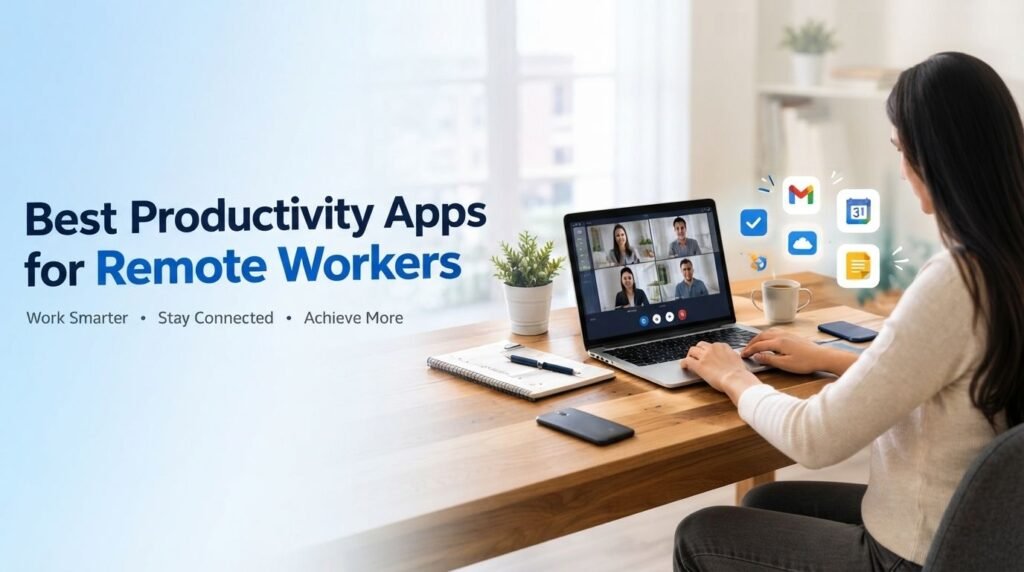
Remote work gives employees flexibility, but it can also make communication, task management, and scheduling more challenging. For HR teams and remote employees, productivity apps provide a simple way to keep daily work organized. The right tools can help teams manage tasks, communicate clearly, schedule meetings, share files, and track project progress without unnecessary complications. Instead of using too many platforms, businesses should choose a few reliable tools that match their workflow and make collaboration easier.
1. Task Management Apps
Task management apps help remote employees organize responsibilities and deadlines in one place. Tools such as Todoist and Microsoft To Do make it easier to prioritize daily work and monitor completed tasks. HR teams can also use task managers to assign responsibilities and follow up on important activities without relying on lengthy email conversations.

2. Communication Apps
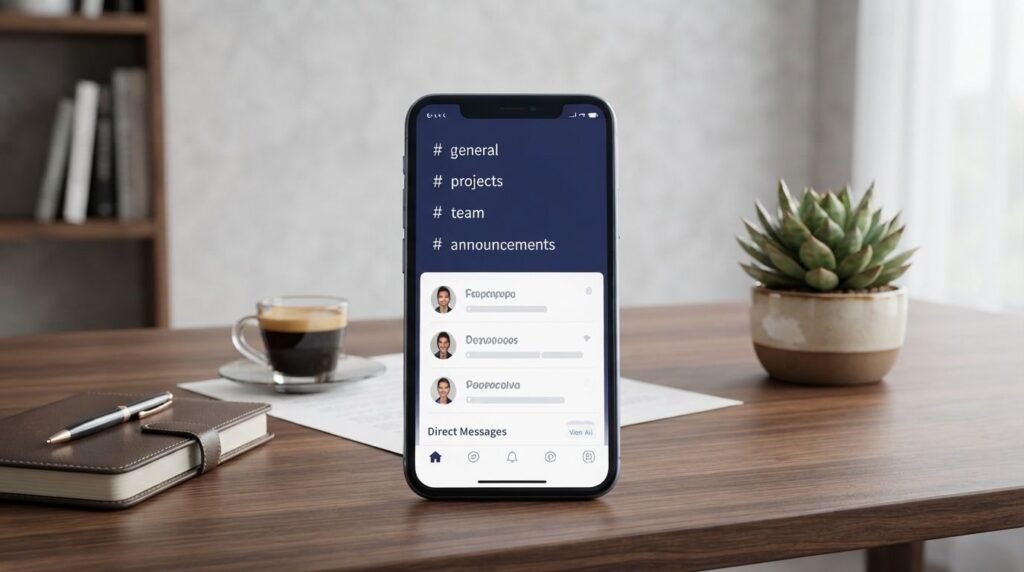
Clear communication is essential when employees work from different locations. Platforms such as Slack and Microsoft Teams allow teams to communicate through dedicated channels, direct messages, and file sharing. They can reduce unnecessary emails while giving employees a central place to discuss projects and workplace matters.
3. Time Management Apps
Managing time effectively can be difficult when working from home. Time-tracking and focus apps help employees understand how they spend their working hours and identify distractions. HR managers can encourage time-blocking and focused work periods without turning productivity tracking into excessive employee monitoring.

4. Cloud Storage Apps
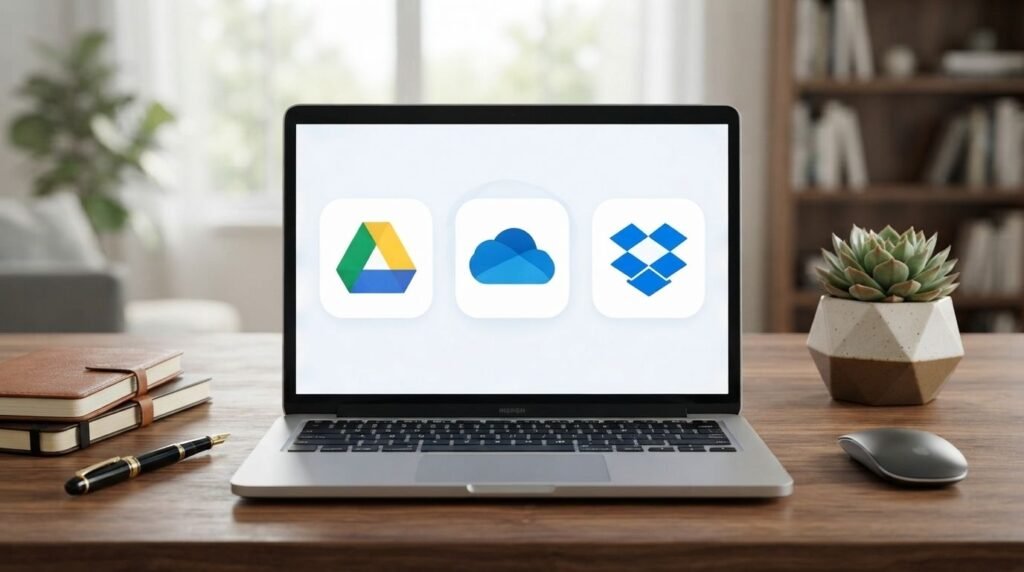
Cloud storage makes workplace files easier to access and share from different locations. Services such as Google Drive, OneDrive, and Dropbox allow employees to work with documents without depending on a single computer. A clear folder structure and consistent file naming system can make remote collaboration much more efficient.
5. Project Management Apps
Project management platforms are useful when several employees are working toward the same goal. Tools such as Asana, Trello, and ClickUp allow teams to assign tasks, set deadlines, and monitor project progress. For HR and management teams, having clear visibility into responsibilities can reduce confusion and unnecessary follow-ups.

6. Note-Taking Apps
Remote employees often need to keep track of meeting notes, ideas, instructions, and important information. Apps such as Notion and Microsoft OneNote provide a central place for storing workplace notes. HR teams can also use organized digital notes for policies, meeting records, onboarding information, and internal processes.

7. Calendar Apps
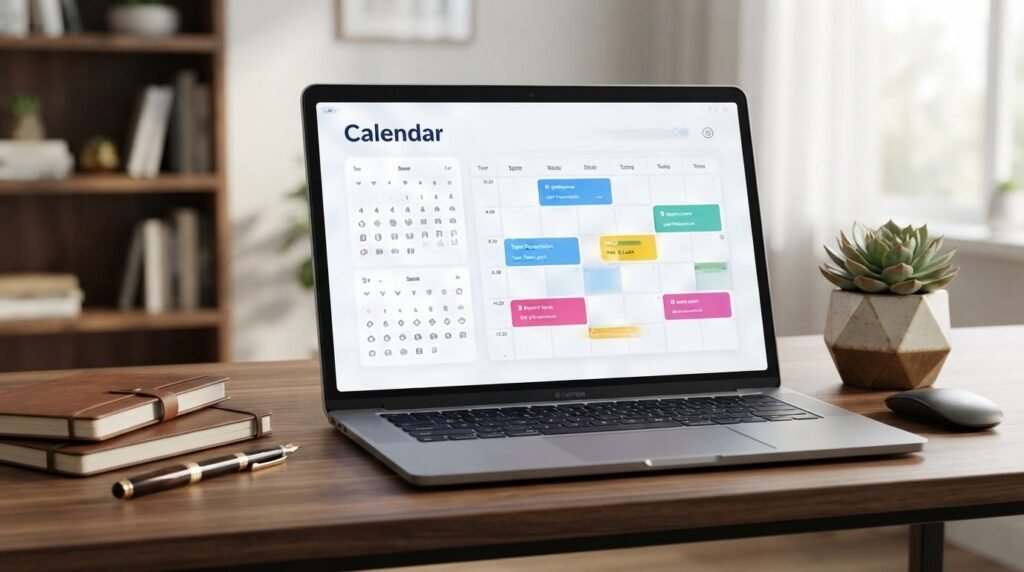
A shared calendar can make remote scheduling much easier. Google Calendar and Outlook help employees manage meetings, deadlines, interviews, and other important events. HR departments can use shared calendars to coordinate interviews, employee meetings, training sessions, and company events while reducing scheduling conflicts.
8. Automation Apps
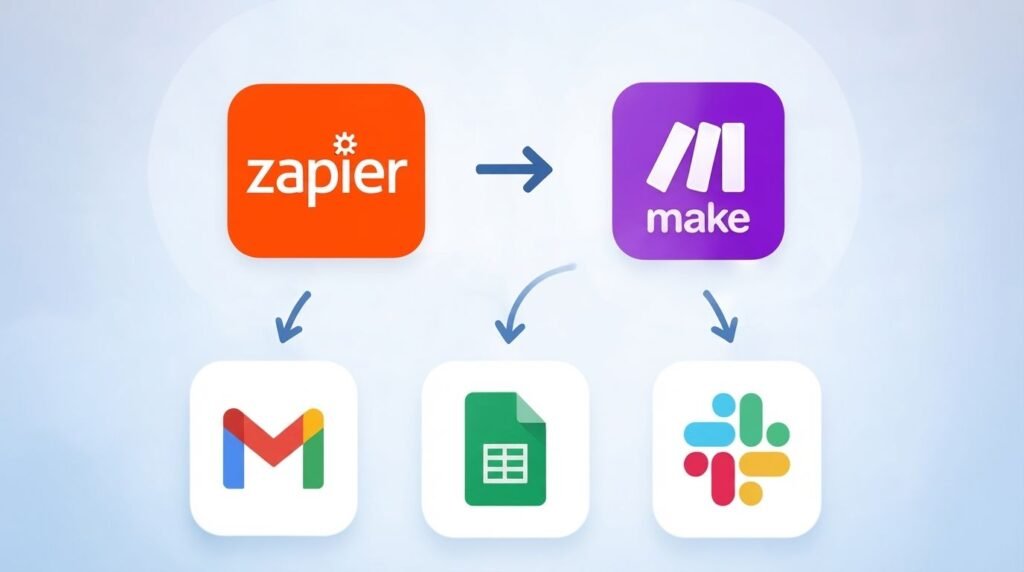
Automation tools can reduce repetitive administrative work. Platforms such as Zapier and Make can connect different applications and automate routine actions, such as creating tasks from form submissions or sending notifications. For HR teams, automation can save time on repetitive processes and allow employees to focus on more important responsibilities.
9. Password Management Apps
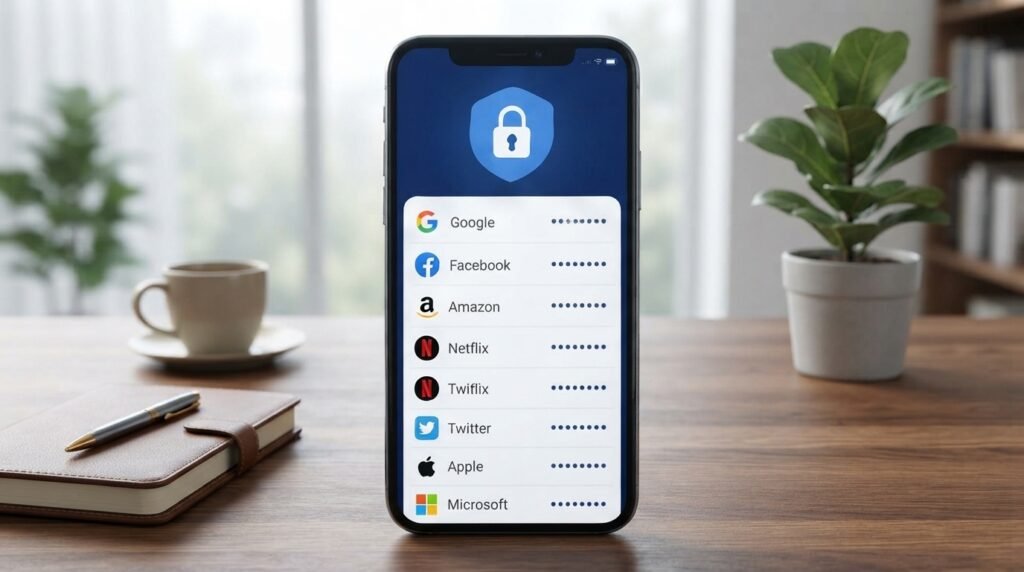
Remote employees often access several business accounts and workplace platforms. Password managers such as 1Password and Bitwarden can help employees manage unique passwords more securely. Good account security is also part of workplace productivity because losing access to an important business account can delay an entire team.
10. Choosing the Right Apps
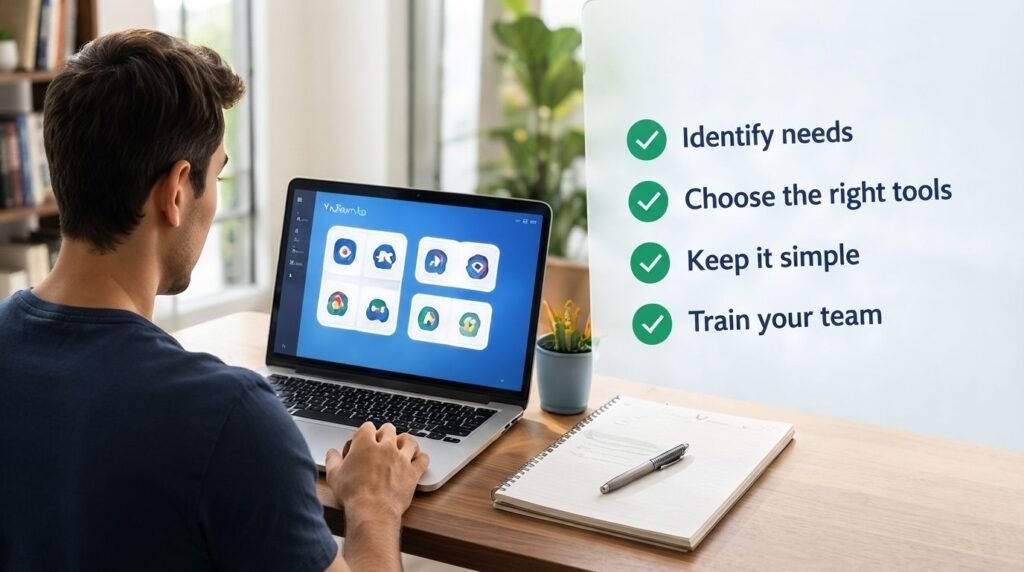
The best productivity apps for remote workers are not necessarily the ones with the most features. Businesses should first identify their biggest workflow problems and then select tools that address them. A remote team may only need a task manager, communication platform, cloud storage service, and shared calendar. Keeping the technology stack simple can make adoption easier for employees and HR teams.
Conclusion
The best productivity apps for remote workers help businesses maintain organization, communication, and collaboration without making everyday work unnecessarily complicated. For HR teams, the focus should be on choosing practical tools that support employees, simplify workflows, and keep important information accessible. At Read Hub, we believe that the right technology works best when it supports clear processes and productive workplace habits.
If you have any questions or concerns regarding this topic, feel free to contact us through our Contact Us page or reach out via the WhatsApp button available on Read Hub. We’re always happy to help!
FAQ
What are the best productivity apps for remote workers?
Popular options include Todoist for tasks, Slack or Microsoft Teams for communication, Google Drive for file sharing, and Asana or Trello for project management.
How can productivity apps help HR teams?
They can help HR teams organize tasks, schedule meetings, communicate with employees, manage documents, and simplify repetitive administrative processes.
How many productivity apps should a remote team use?
A team should use only the tools it actually needs. A simple combination of task management, communication, file storage, and calendar apps is often enough.
Can productivity apps improve remote employee collaboration?
Yes. They can provide a central place for communication, tasks, documents, schedules, and project updates, making collaboration easier across different locations.
What should HR consider before choosing a productivity app?
HR should consider ease of use, security, team size, required features, integration with existing tools, and whether employees can adopt the platform without unnecessary complexity.