
Choosing the right security camera can make your home feel safer without turning it into a complicated surveillance system. Today’s smart cameras for indoor and outdoor security offer features such as HD video, night vision, motion alerts, two-way audio, and smartphone monitoring. However, not every camera is designed for the same environment. Indoor models usually focus on compact design and room monitoring, while outdoor cameras need weather resistance, stronger night vision, and reliable connectivity. In this guide, Read Hub explains the key features to consider so you can choose a smart security camera that fits your home and daily needs.
Indoor vs. Outdoor Smart Cameras
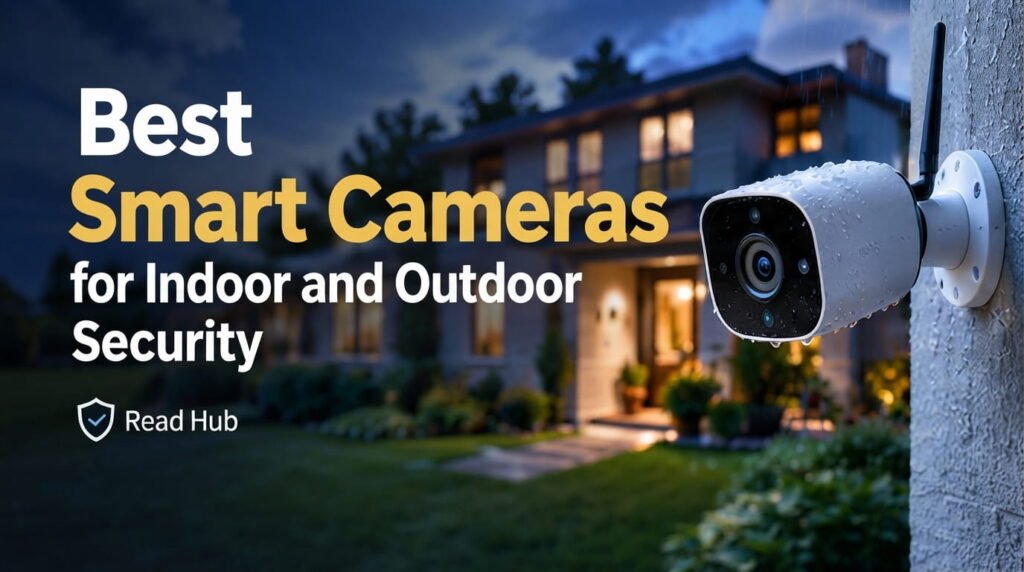
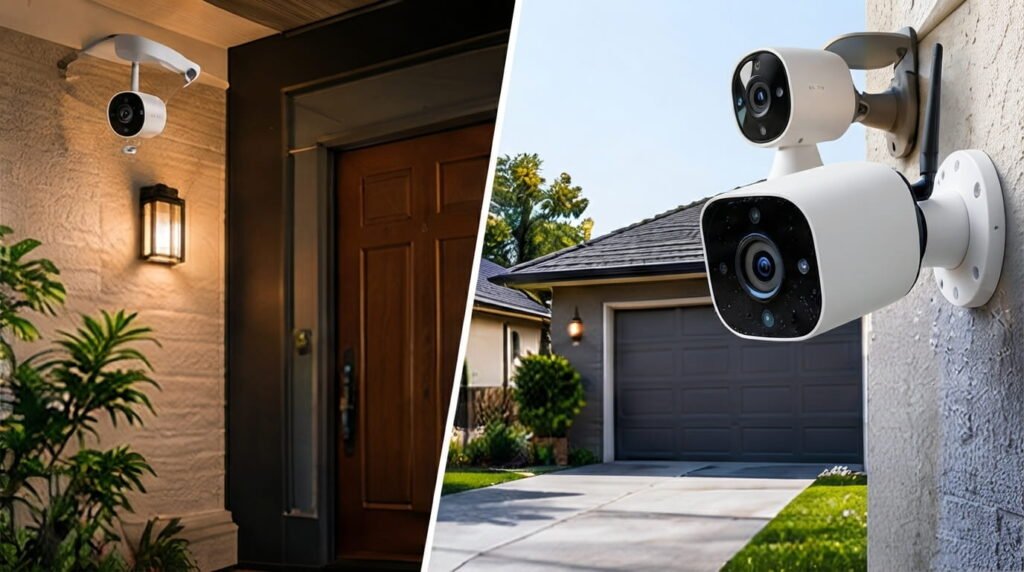
The biggest difference is where the camera is designed to operate. Indoor security cameras are useful for monitoring living rooms, entryways, hallways, pets, or children. Outdoor cameras are built to handle rain, dust, temperature changes, and changing light conditions. If you need coverage around doors, garages, driveways, or gardens, choose a model specifically rated for outdoor use rather than placing an indoor camera outside.

Essential Features to Look For
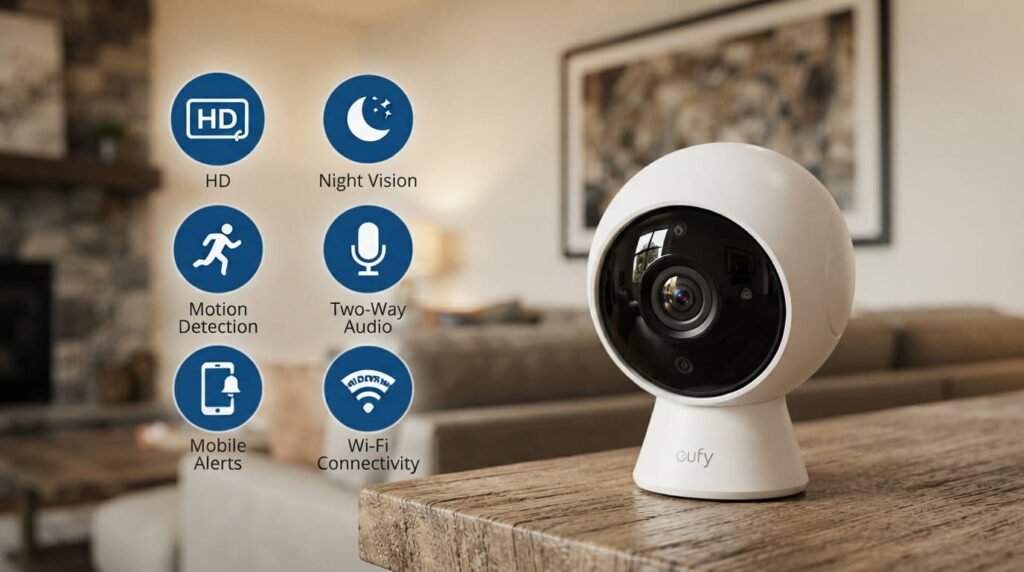
Good smart security cameras should provide clear video and dependable alerts. Look for 1080p or higher resolution, infrared night vision, motion detection, two-way audio, and smartphone notifications. AI-based detection can also help distinguish people, vehicles, or animals from ordinary movement. For outdoor cameras, weather resistance and a wide viewing angle are especially important. A strong Wi-Fi connection—or another reliable connectivity option—also matters because even an excellent camera is less useful when its connection frequently drops.
Where to Install Security Cameras
Placement can be just as important as the camera itself. Indoor cameras work well near main entrances, stairways, and areas containing valuable equipment. Outdoor cameras are commonly positioned near front and back doors, garages, driveways, and other access points. Avoid pointing cameras directly into strong sunlight, and make sure the view is not blocked by walls, plants, or decorative objects. Mount outdoor cameras high enough to reduce tampering while still maintaining a useful viewing angle.
Privacy and Storage Considerations
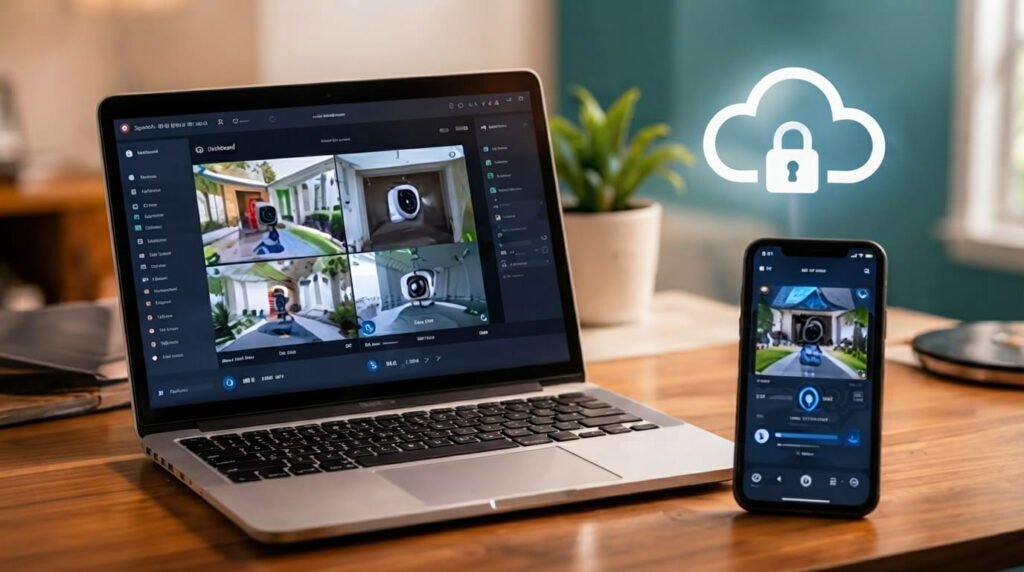
Before installing a smart camera, check how it stores recordings and protects your information. Some cameras use local storage, while others rely on cloud subscriptions. Review the manufacturer’s privacy settings, account security options, and data-storage policies before making a purchase. Strong passwords and two-factor authentication can provide an additional layer of account protection. Indoor cameras deserve particular attention because they may capture sensitive areas of your home.
How to Choose the Right Camera
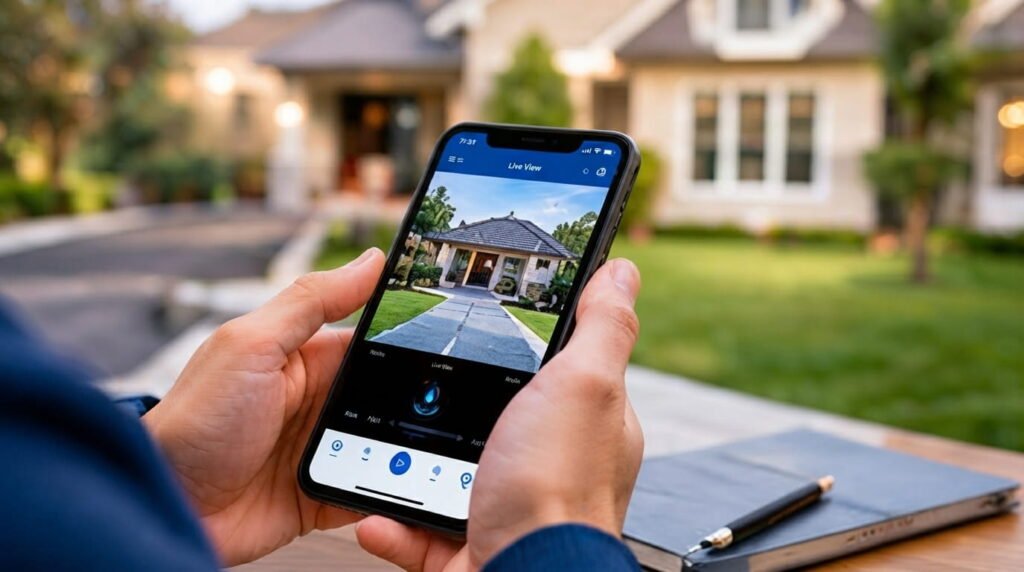
Start by deciding what you actually need to monitor. For a bedroom, hallway, or living area, a compact indoor camera with motion alerts may be enough. For a driveway or entrance, prioritize weather resistance, night vision, wide coverage, and dependable connectivity. If you want continuous recording, check storage requirements and subscription costs before buying. Comparing these factors together will help you avoid paying for features you may never use.
Conclusion
The best smart cameras for indoor and outdoor security are not necessarily the most expensive models. The right choice depends on your location, coverage area, video quality, connectivity, storage preferences, and privacy requirements. By comparing these features before purchasing, you can build a practical security setup that works for your home. Read Hub recommends focusing on reliability and useful features rather than simply choosing a camera with the longest list of specifications.
If you have any questions or concerns regarding this topic, feel free to contact us through our Contact Us page or reach out via the WhatsApp button available on Read Hub. We’re always happy to help!
FAQ
Are smart security cameras worth it?
Smart cameras can provide convenient remote monitoring, motion alerts, night vision, and two-way communication. They can be particularly useful for checking entrances, rooms, pets, or outdoor areas when you’re away.
Can an indoor security camera be used outside?
Generally, no. Indoor cameras are not normally designed to withstand rain, humidity, dust, or extreme temperatures. For outdoor monitoring, choose a camera specifically designed and rated for outdoor conditions.
What resolution is best for a home security camera?
1080p is a practical starting point for many homes, while higher-resolution cameras can provide more detail. The ideal choice also depends on lighting, viewing distance, and the camera’s lens.
Do smart cameras need Wi-Fi?
Many smart cameras depend on Wi-Fi for remote viewing and cloud features. Some systems use wired connections or other networking methods, so checking connectivity requirements before installation is important.
Do smart security cameras record all the time?
It depends on the model and its settings. Some support continuous recording, while others primarily record when motion or another specified event is detected. Storage capacity and subscription plans may also affect recording options.