
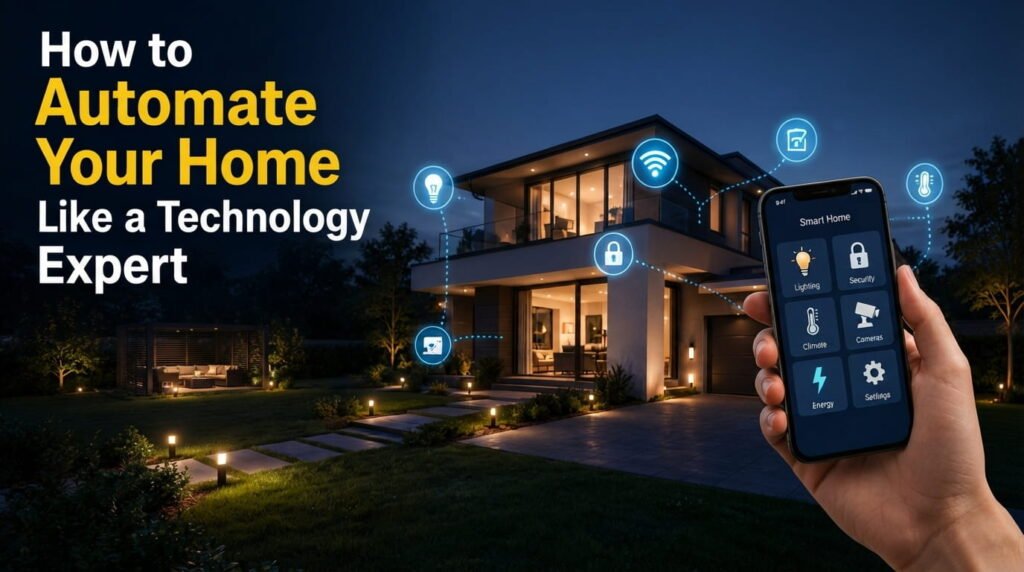
Learning how to automate your home doesn’t mean turning your house into a complicated science project. With the right smart devices and a little planning, you can automate everyday tasks, improve security, reduce energy waste, and make your home more comfortable. The key is to build a system around the way you actually live rather than buying every smart gadget you see. Whether you’re starting with one smart bulb or planning a fully connected home, this guide from Read Hub will help you approach home automation like a technology expert.
1. Start With Your Daily Routine
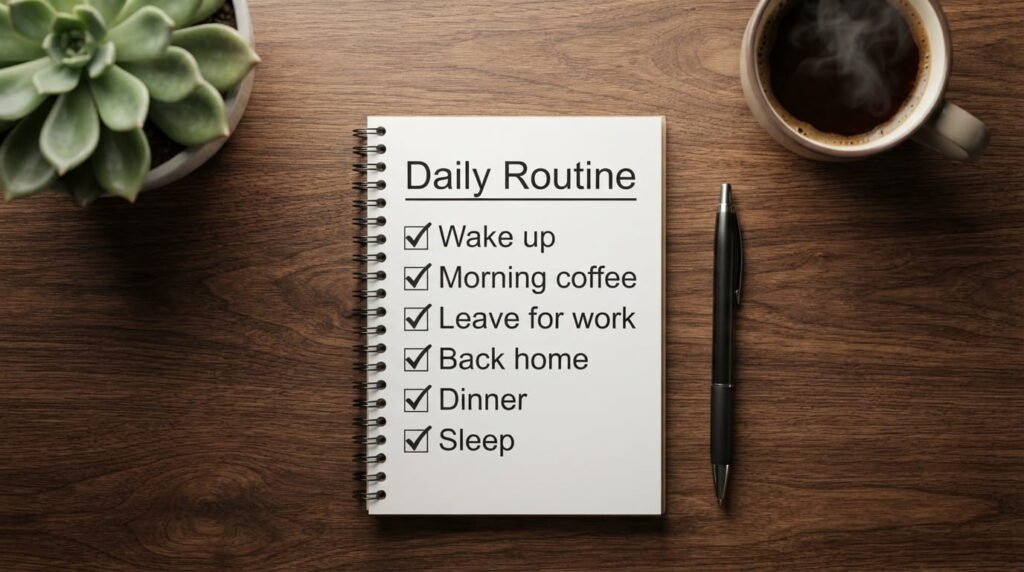
A technology expert doesn’t begin by buying gadgets. They begin by identifying repetitive tasks.
Think about what you do every day: turning lights on and off, adjusting the thermostat, locking doors, checking appliances, or waking up to an alarm. These are excellent opportunities for automation.
Write down three to five tasks that you repeat frequently. Start with the ones that save the most time or solve an actual inconvenience.
2. Build a Reliable Smart Home Network
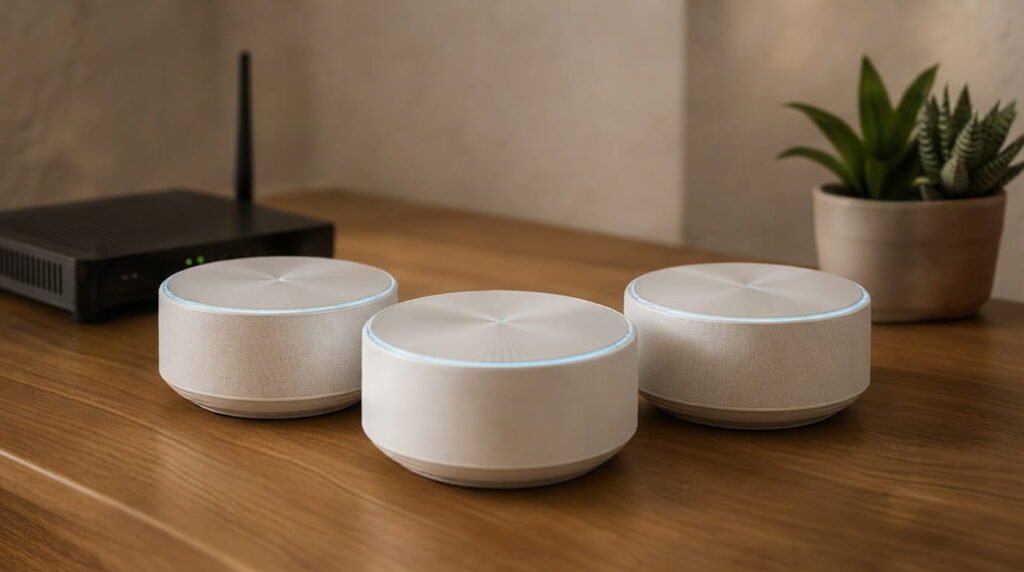
Your smart devices are only as reliable as the network connecting them. Before adding dozens of devices, make sure your Wi-Fi provides dependable coverage throughout the home.
For larger houses, a mesh Wi-Fi system can help eliminate weak areas. Keep your router updated and place it somewhere central rather than hidden behind furniture or electronics.
A stable network prevents frustrating situations where lights, sensors, or cameras randomly disconnect.
3. Automate Lighting and Climate Control
Smart lighting is one of the easiest ways to experience home automation. You can schedule lights, control them remotely, or have motion sensors switch them on automatically.
For example, hallway lights can turn on when movement is detected at night and switch off after a few minutes.
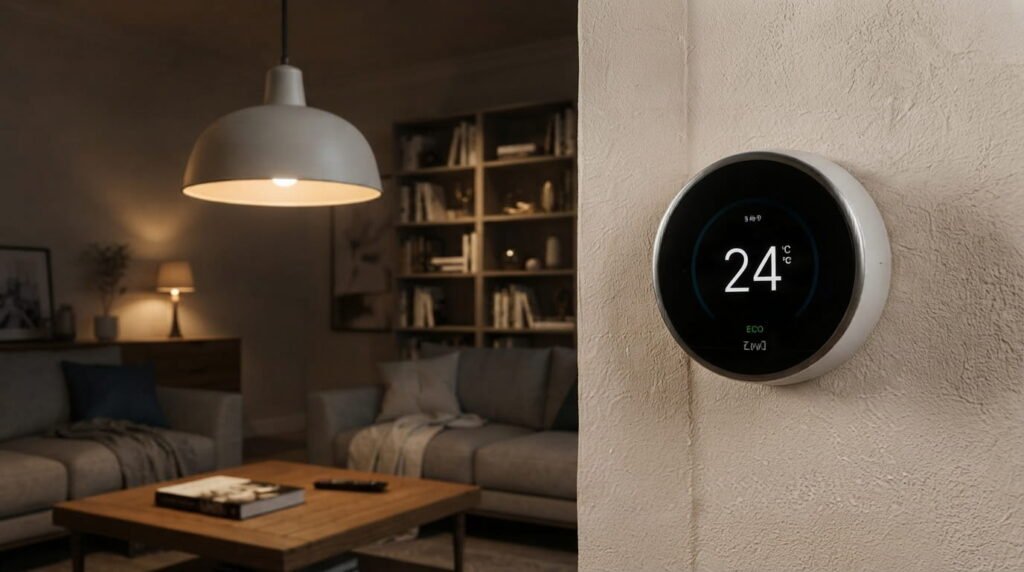
Smart thermostats and temperature sensors can also adjust heating or cooling according to your schedule. Instead of running everything constantly, your home can respond to when you’re actually there.
4. Create Smart Security Systems
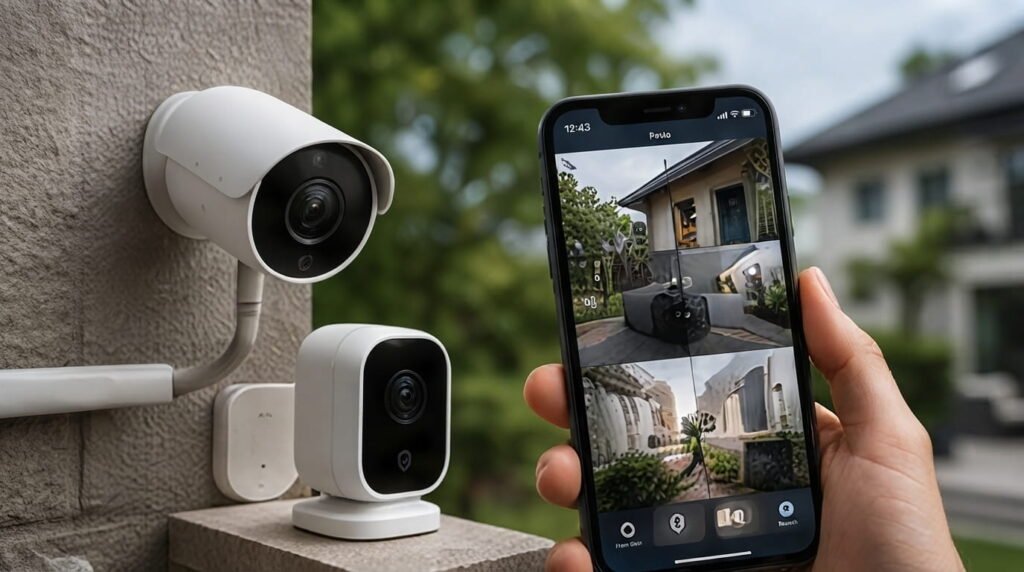
Home automation can make security more convenient without making it complicated. Smart door sensors, cameras, video doorbells, and motion sensors can work together to provide useful alerts.
You might create a simple routine that checks whether doors are locked when you leave. Cameras can notify you about unexpected activity, while smart lights can make the house appear occupied when you’re away.
However, automation should support—not replace—basic security habits such as strong locks and secure passwords.
5. Use Smart Routines and Scenes
The real power of automation appears when multiple devices work together.
Instead of controlling devices individually, create scenes based on activities. A “Good Morning” routine could gradually turn on bedroom lights, adjust the temperature, and start another compatible device.
An “Away” routine could turn off selected lights, lock compatible doors, adjust climate settings, and activate security devices.
The goal is simple: one command should handle several related actions.

6. Control Energy Consumption
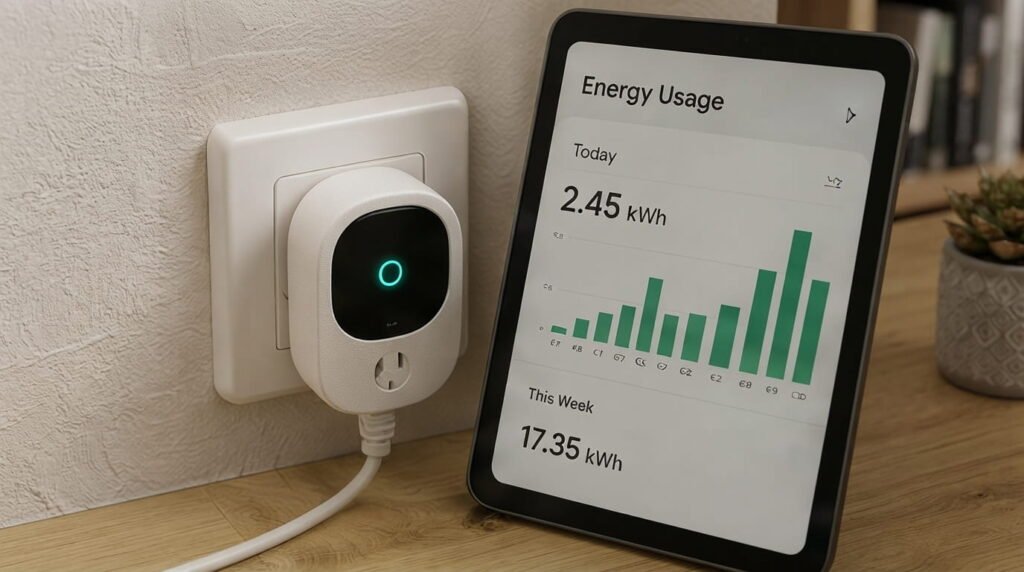
Smart technology can help you understand where energy is being used. Smart plugs and energy-monitoring devices can identify appliances that consume electricity when you aren’t actively using them.
You can then schedule selected devices to switch off automatically.
For instance, a smart plug could turn off a nonessential appliance overnight. These small changes won’t magically eliminate your electricity bill, but they can reduce unnecessary usage and give you better control.
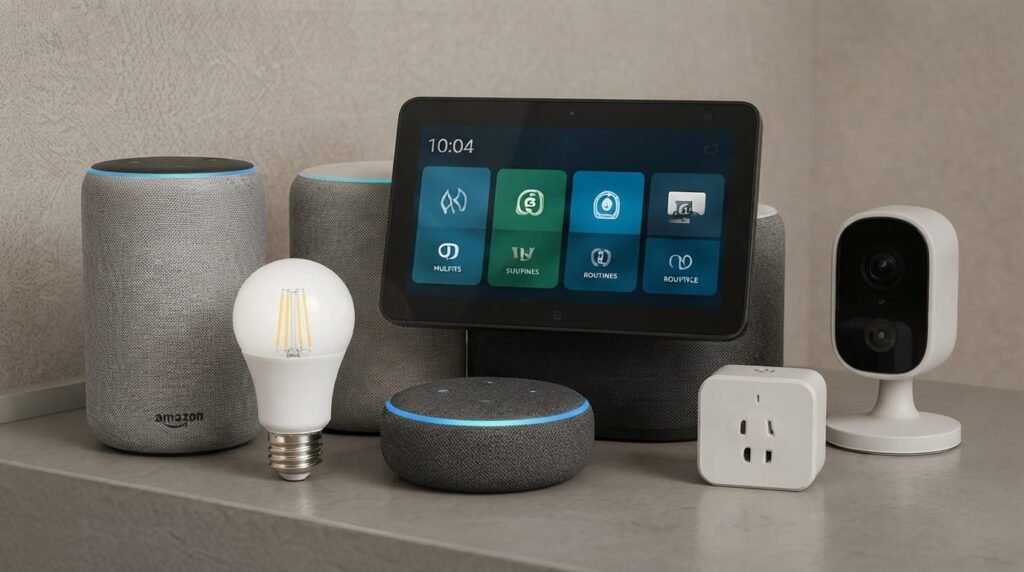
7. Choose Devices That Work Together
One of the biggest mistakes beginners make is buying smart devices without checking compatibility.
Before purchasing anything, check which smart-home ecosystem and communication standards it supports. A device that works beautifully on its own may become frustrating if it doesn’t integrate with the rest of your setup.
Whenever possible, choose products that can communicate through the same platform or widely supported standards. Planning compatibility first can save you money later.
8. Protect Your Smart Home
A connected home also creates more devices that need protection. Change default passwords immediately and use strong, unique passwords for important accounts.
Enable multi-factor authentication whenever available, keep device firmware updated, and avoid connecting unnecessary gadgets to your main network.
It’s also sensible to review which devices have access to your home network. Convenience should never come at the expense of basic digital security.

9. Keep Your System Simple and Reliable
More automation isn’t always better. If a routine is too complicated, it can become difficult to troubleshoot.
Start with a few dependable automations and add new ones only when they solve a genuine problem. Keep manual controls available so you can still operate important lights, locks, or appliances if the internet or a smart hub stops working.
A well-designed smart home should feel almost invisible. You shouldn’t have to constantly manage it.
10. Improve Your Automation Over Time
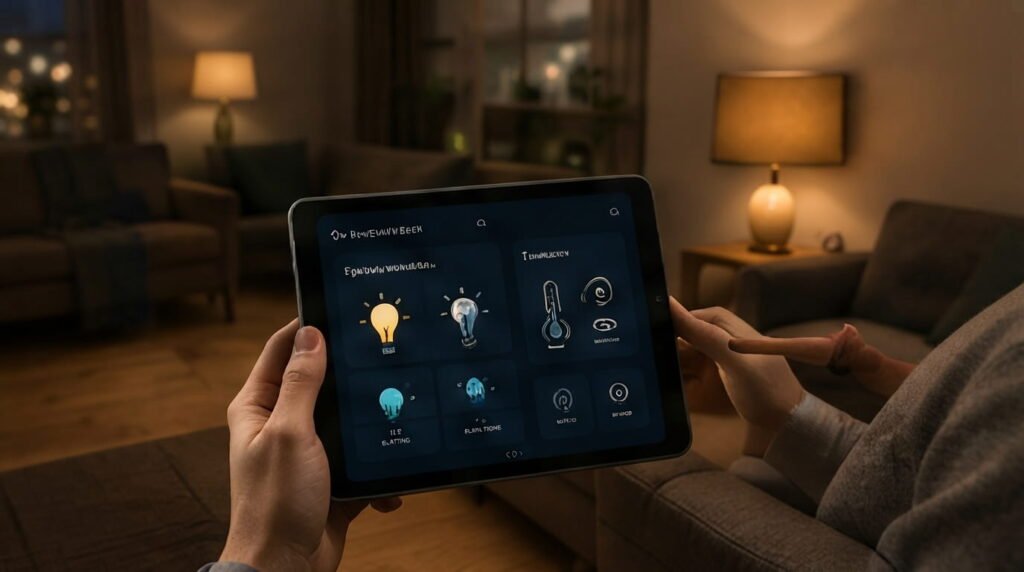
Once your basic system works, look for small improvements. Pay attention to which routines you actually use and which ones you ignore.
You may discover that a motion-activated hallway light is extremely useful while an overly complicated morning routine isn’t.
Test each automation for a few days before expanding it. Over time, your home can become more responsive, efficient, and personalized without becoming unnecessarily complicated.
Conclusion
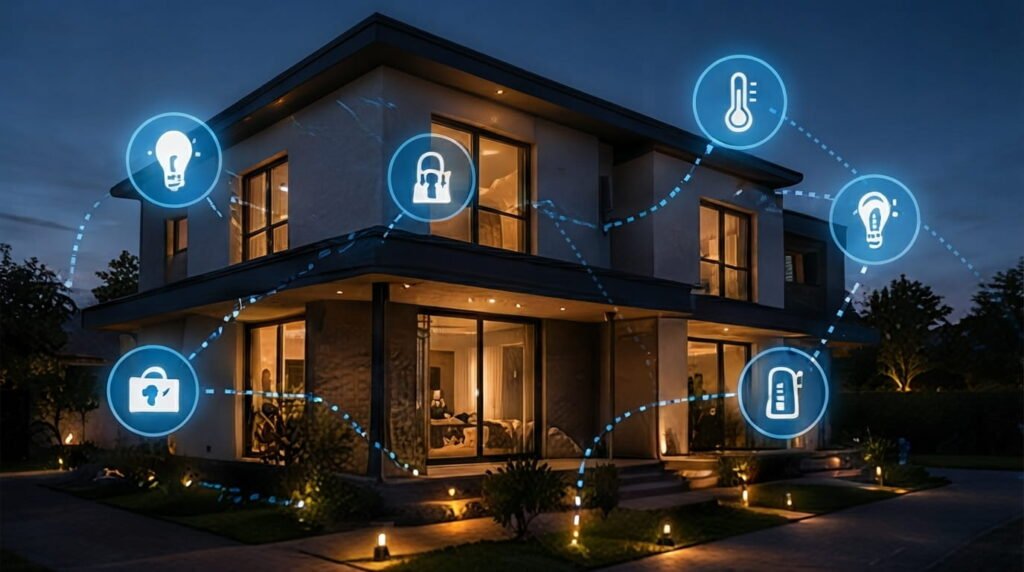
Knowing how to automate your home is less about owning expensive gadgets and more about creating useful systems. Start with everyday problems, build a reliable network, choose compatible devices, and automate tasks that genuinely save time or energy.
The best smart home is one that works quietly in the background and makes your daily routine easier. With a thoughtful approach, even a few affordable devices can create a surprisingly capable automated home. For more practical technology and lifestyle guides, keep exploring Read Hub.
If you have any questions or concerns regarding this topic, feel free to contact us through our Contact Us page or reach out via the WhatsApp button available on Read Hub. We’re always happy to help!
FAQ
What is the easiest way to start home automation?
Start with one or two simple devices, such as smart bulbs or smart plugs. Choose tasks you repeat every day and automate those first.
Do I need a smart home hub?
Not necessarily. Many modern smart devices can work through Wi-Fi and smartphone apps. A hub may become useful when you have several devices from different categories.
Is home automation expensive?
It doesn’t have to be. You can begin with inexpensive smart plugs, bulbs, or sensors and gradually expand your system as your needs and budget grow.
Can smart home devices work without the internet?
Some devices and automations can continue working locally, depending on the product and setup. However, cloud-dependent features may stop working during an internet outage.
How can I keep my automated home secure?
Use strong, unique passwords, enable multi-factor authentication, install updates, secure your Wi-Fi network, and only connect devices from reputable manufacturers.