
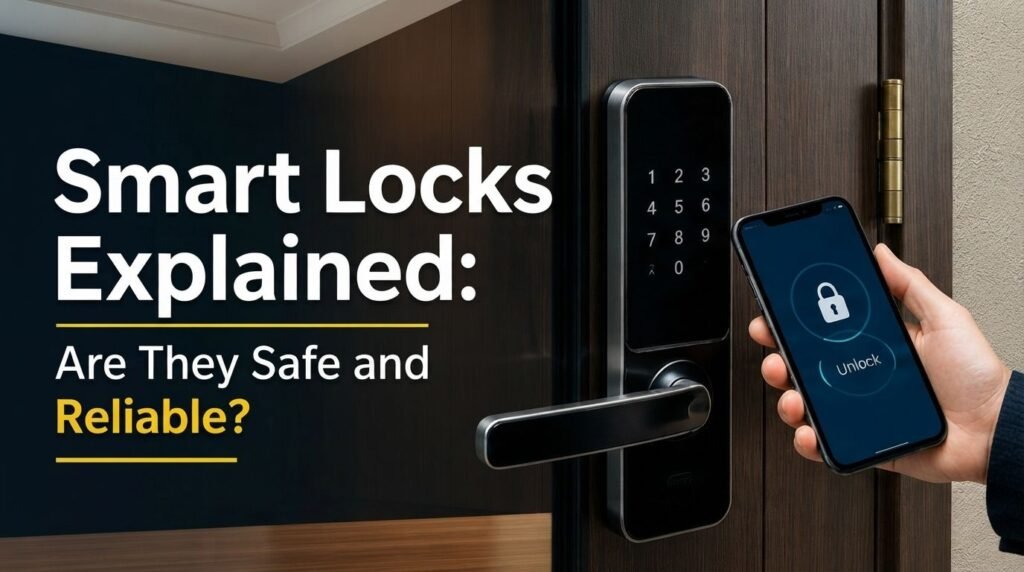
Smart locks are becoming a popular choice for modern homes because they offer convenient ways to lock and unlock doors without relying only on traditional keys. Depending on the model, you can use a smartphone, PIN, fingerprint, key card, or physical key. But are smart locks actually safe and reliable? Generally, yes, when you choose a reputable product and use it correctly. However, because smart locks combine physical hardware with software, wireless connections, and batteries, there are a few important security and reliability factors you should understand before buying one.
How Smart Locks Work
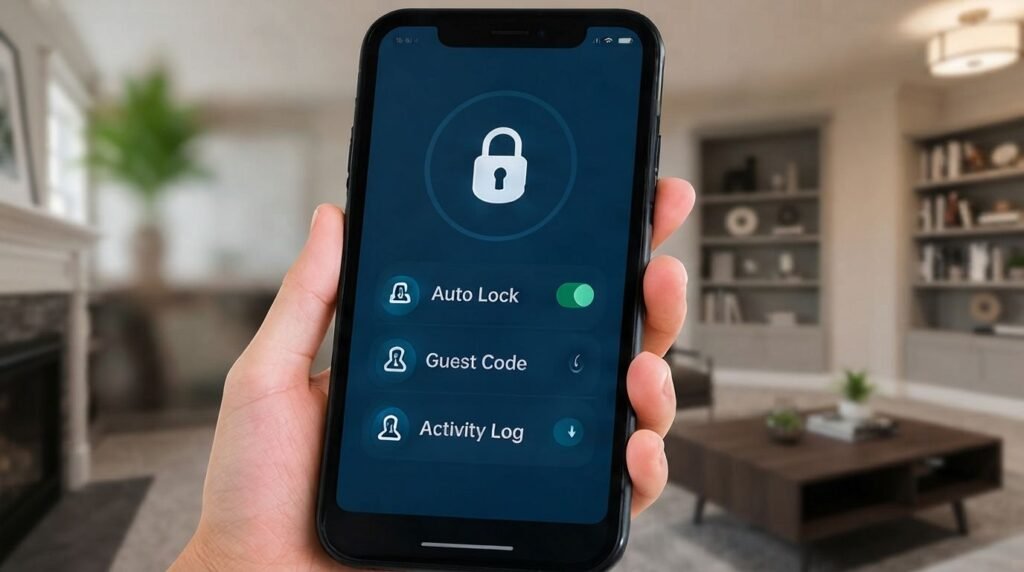
A smart lock either replaces your existing deadbolt or works with it to provide electronic access. Depending on the model, you may unlock your door through an app, PIN, fingerprint, Bluetooth, or physical key. Some locks also connect to Wi-Fi or other smart-home systems, allowing features such as remote access, automatic locking, temporary guest codes, and activity notifications. Because the lock combines digital and physical security, both its electronic system and mechanical construction are important.
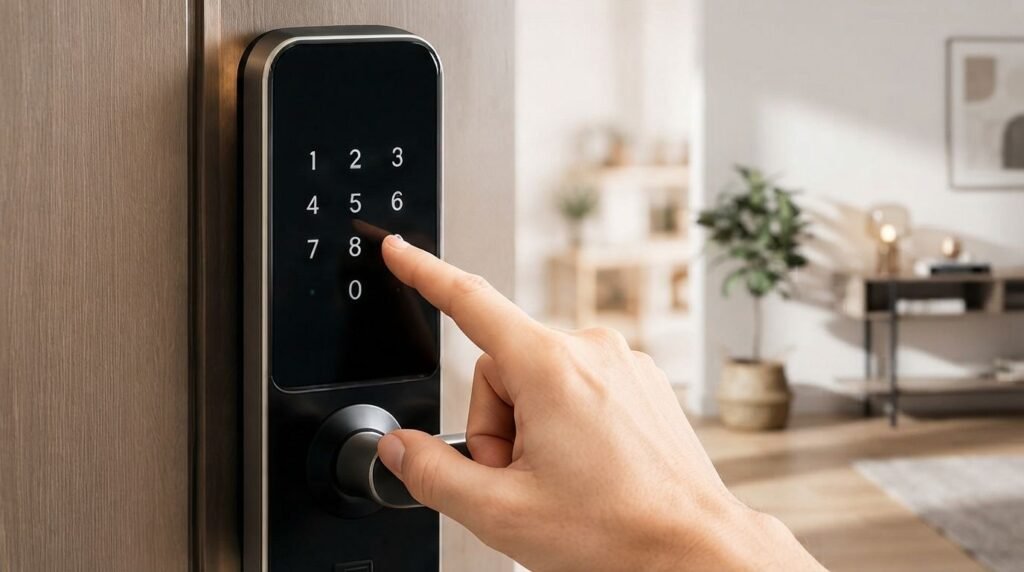
Are Smart Locks Safe?
Smart locks can be very safe, especially when purchased from a reputable manufacturer. Many models use encryption, secure authentication, and regular software updates to protect communication between the lock and your devices. They can also improve access control because you can create temporary codes instead of giving someone a physical key. However, no connected device is completely risk-free, so using a strong password, enabling two-factor authentication, and keeping the lock’s software updated are important steps.
Common Smart Lock Problems
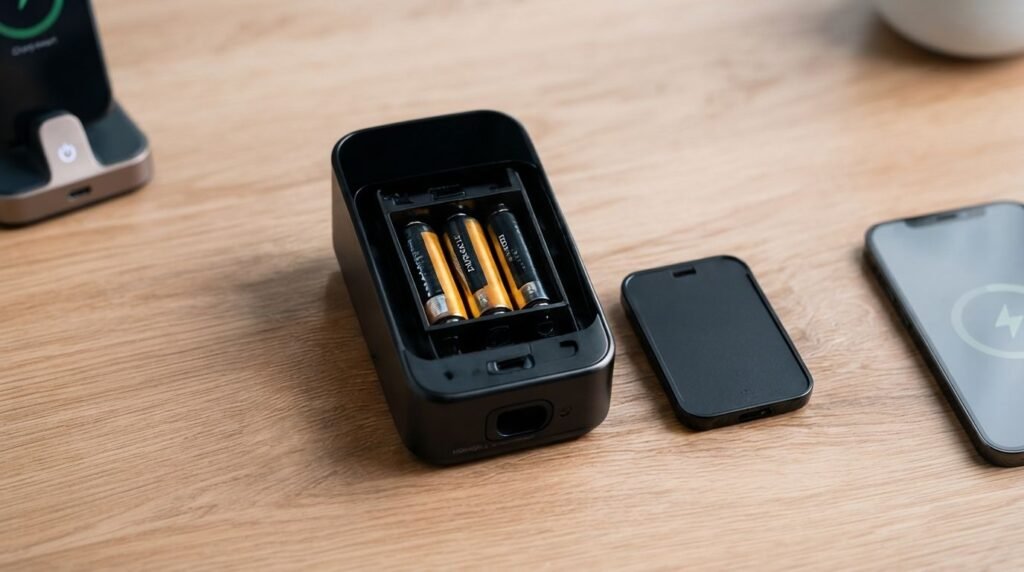
The most common issues involve dead batteries, poor door alignment, connectivity problems, and unsecured accounts. A low battery can prevent electronic unlocking, although many quality models provide warnings and backup entry options. Wi-Fi failure may stop remote features without necessarily preventing local unlocking. Poorly aligned doors can also make the motor work harder and reduce reliability. Checking these areas regularly can prevent many everyday problems.
Smart Lock Reliability
A good smart lock can be highly reliable, but installation makes a major difference. The deadbolt should move smoothly without excessive resistance, because a lock that constantly struggles against a misaligned door can drain its battery faster and put extra stress on the motor. Before relying on automatic locking, test the system several times and make sure everyone in your household understands the available backup entry method.
How to Improve Smart Lock Security
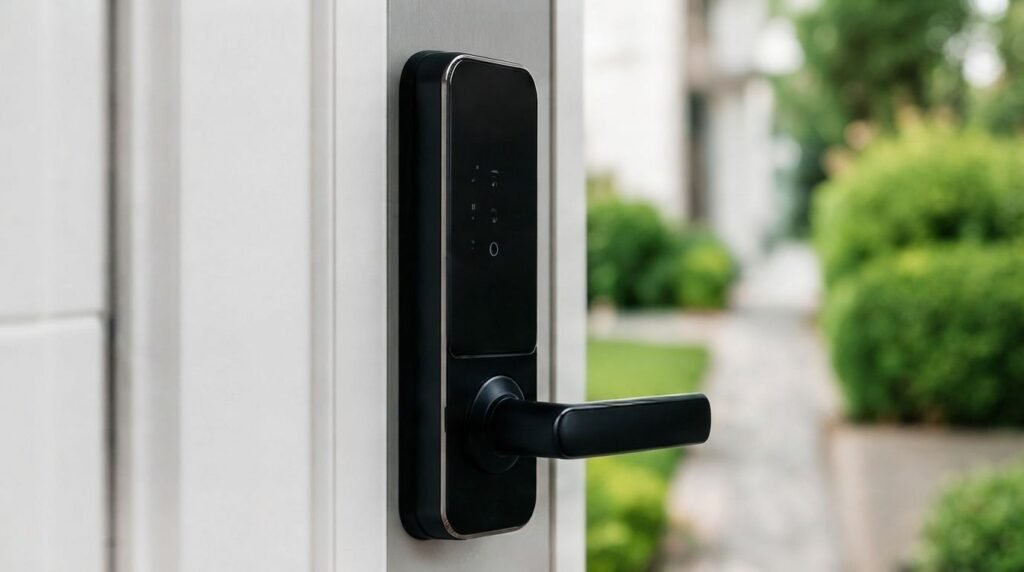
Start by choosing a well-established manufacturer and a lock with strong security features and regular firmware updates. Use a unique password for your smart-home account and enable two-factor authentication whenever possible. Instead of sharing your main account, create separate guest codes for visitors and remove them when they are no longer needed. Keep the batteries charged, enable useful security notifications, and maintain a backup entry method such as a physical key or emergency power option.
Should You Buy a Smart Lock?
A smart lock can be a worthwhile upgrade if you want more convenience and control over who can access your home. Features such as temporary access codes, automatic locking, smartphone control, and activity alerts can make everyday life easier. However, a smart lock cannot compensate for a weak door, damaged frame, or poor-quality deadbolt. Think of it as one part of your overall home-security system rather than a complete replacement for good physical security.

What to Check Before Buying
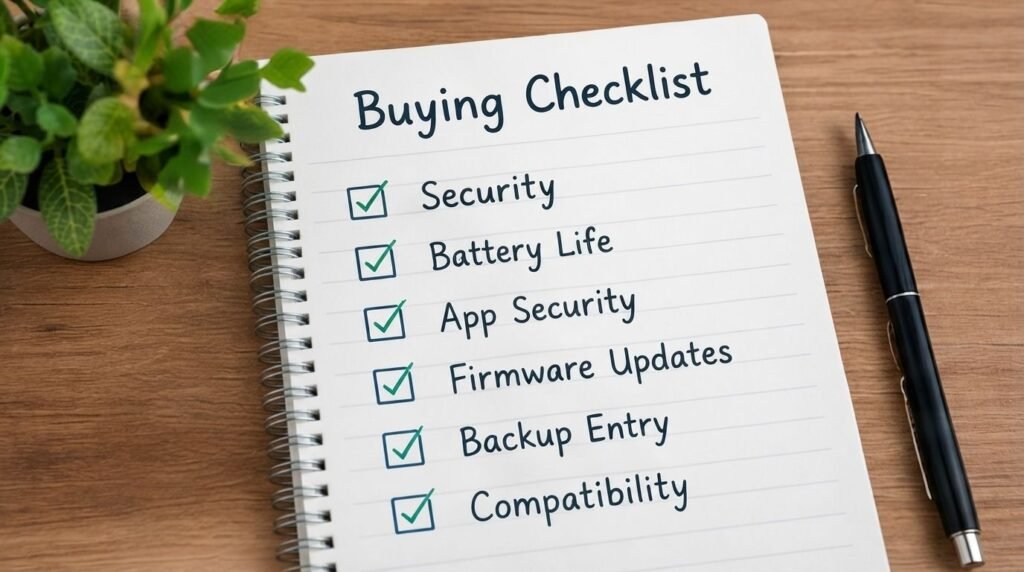
Before purchasing, check the lock’s physical security, battery life, app security, firmware-update support, backup entry options, and compatibility with your door. Also determine whether it requires a separate Wi-Fi hub if you want remote access. Reading independent reviews and manufacturer specifications can help you avoid products that look impressive but lack important security or reliability features.
Conclusion
Smart locks can be safe and reliable when you choose a quality product, install it correctly, protect your account, and maintain the batteries. They offer useful features that traditional locks cannot, including temporary access codes, smartphone control, and activity notifications. However, your overall door and locking hardware still matter. For more practical smart-home and technology guides, Read Hub aims to help you understand both the benefits and limitations before making a decision.
If you have any questions or concerns regarding this topic, feel free to contact us through our Contact Us page or reach out via the WhatsApp button available on Read Hub. We’re always happy to help!
FAQ
Are smart locks safe?
Yes, reputable smart locks can be safe when properly installed, updated, and secured with strong account credentials.
Can smart locks work without Wi-Fi?
Many models can still unlock using a PIN, fingerprint, Bluetooth, or physical key, although remote features may require Wi-Fi.
What happens if the battery dies?
Most quality models provide low-battery warnings and some form of emergency access, such as a physical key or external battery connection.
Can smart locks be hacked?
Like other connected devices, smart locks can face cybersecurity risks. Strong passwords, two-factor authentication, and software updates can reduce those risks.
Are smart locks better than traditional locks?
They offer more convenience and access-control features, but they are not automatically more secure. The quality of the lock and your overall door hardware still matter.