
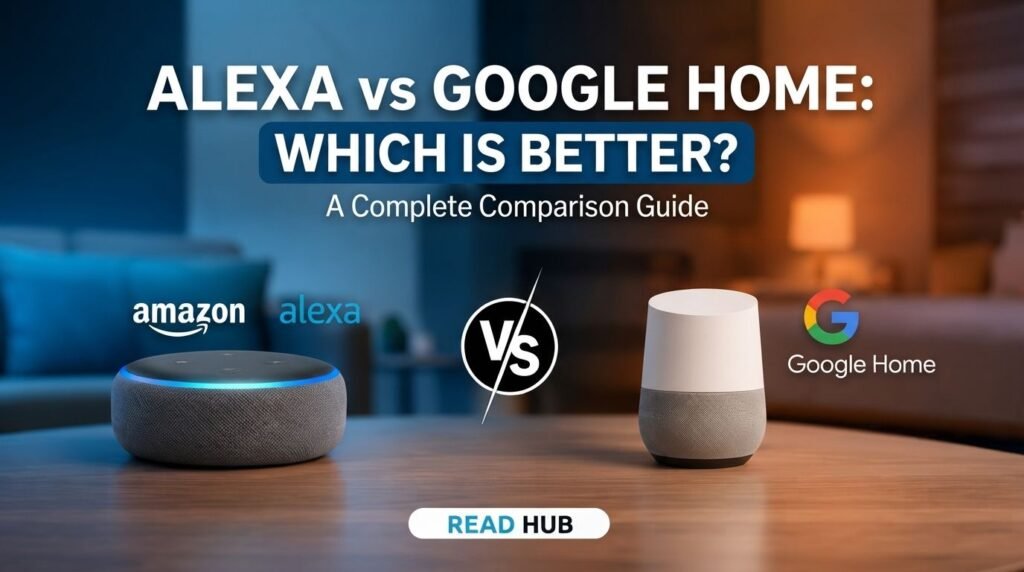
When comparing Alexa vs Google Home, the choice is no longer just about asking for the weather or playing music. Both smart assistants are becoming more intelligent and conversational.
Amazon has expanded Alexa with Alexa+, while Google is bringing Gemini into Google Home. So, which one is better?
The answer depends on your existing devices, preferred services, smart-home needs, and how much you value AI features. Let’s compare the two and see which assistant fits your home best.
1. Alexa vs Google Home: AI Features
AI is changing how smart assistants work. Amazon’s Alexa+ is designed to understand more natural conversations and help with tasks such as planning, recommendations, and smart-home control.
Google is taking a similar approach with Gemini for Home. It can understand natural requests, answer questions, and handle more complex smart-home commands.
Best choice: Google Home is excellent for natural conversations and general questions, while Alexa+ is appealing for users who want an assistant that can take actions.

2. Smart Home Control
Both assistants can control compatible lights, plugs, cameras, thermostats, locks, and other smart devices.
Alexa has strong support for a wide range of smart-home products. It is a particularly good option if you already use several Amazon-compatible devices.
Google Home works especially well with Nest products and other devices connected to Google’s ecosystem.
Best choice: Alexa for broad compatibility, while Google Home is a strong option for Nest users.

3. Device Compatibility
Before choosing an assistant, check the devices you already own.
Alexa works with Echo speakers, Fire TV, smart displays, and many third-party products.
Google Home is a natural fit for Android users and people who already use Nest, Google TV, Chromecast, or other Google services.
Instead of choosing based only on the assistant’s name, check whether your specific smart devices support the platform.
Best choice: The ecosystem that matches your existing devices.

4. Music and Entertainment
Both assistants can play music, control compatible TVs, and manage entertainment using voice commands.
Alexa has strong integration with Amazon’s entertainment ecosystem, including Echo and Fire TV devices.
Google Home works particularly well with Google TV, YouTube, Chromecast-compatible devices, and other Google services.
If sound quality is important, remember that the speaker itself matters just as much as the assistant.
Best choice: Alexa for Amazon and Fire TV users; Google Home for Google TV and YouTube users.

5. Everyday Tasks
A good smart assistant should make everyday life easier.
Google Home can help with alarms, timers, calendars, reminders, notes, lists, questions, and smart-home commands.
Alexa+ is also moving beyond simple voice commands, helping users with planning, recommendations, reservations, and other tasks.
If you already use Google services every day, Google Home may feel more convenient. Amazon users may prefer Alexa.
Best choice: It depends largely on the services you already use.

6. Privacy and Personalization
Privacy is important because smart assistants process voice commands and may connect with other household devices and services.
Both Amazon and Google provide privacy controls, but the available options can vary depending on your device and account.
Before enabling advanced AI or smart-home features, review your privacy settings and understand what information connected services can access.
Best choice: Neither has a universal advantage. Compare the privacy settings of the specific devices you’re considering.

7. Pricing and Subscriptions
Pricing can also affect your decision.
Amazon positions Alexa+ as an advanced assistant and currently includes it with Prime in supported experiences.
Google provides basic Gemini for Home features without a subscription, while some advanced capabilities are available through Google Home Premium.
Because pricing and features can change, always check the latest plan details before purchasing a device.
Best choice: Google Home may appeal to users who want core features without immediately paying for a premium plan.

8. Which One Should You Choose?
So, Alexa vs Google Home—which is better?
Choose Alexa if you:
- Already use Echo or Fire TV.
- Frequently use Amazon services.
- Want broad smart-home compatibility.
- Prefer Alexa’s action-focused features.
Choose Google Home if you:
- Use Android and Google services.
- Already own Nest devices.
- Want Gemini-powered conversations.
- Use Google TV or YouTube regularly.
For a new smart-home setup, check compatibility first. Your lights, cameras, locks, thermostats, and other devices should work smoothly with the ecosystem you choose.

Conclusion
The Alexa vs Google Home comparison is much closer now that both platforms are adding advanced AI features.
Alexa+ is a strong choice for Amazon users and people who want broad smart-home integration. Google Home is especially attractive for Google users who want Gemini-powered conversations and easy integration with Nest and other Google products.
Ultimately, the best smart assistant is the one that works naturally with the devices and services you already use. Read Hub recommends checking compatibility, privacy options, features, and subscription requirements before making your decision.
If you have any questions or concerns regarding this topic, feel free to contact us through our Contact Us page or reach out via the WhatsApp button available on Read Hub. We’re always happy to help!
FAQ
Is Alexa better than Google Home?
Not necessarily. Alexa is excellent for Amazon users and broad smart-home compatibility, while Google Home is a strong choice for Google users and Gemini-powered features.
Is Google Home still useful with Gemini for Home?
Yes. Gemini for Home adds more natural conversations and smarter capabilities while Google Home continues to support smart-home controls and everyday tasks.
Does Alexa+ cost extra?
Amazon currently includes Alexa+ with Prime in supported experiences. Availability can vary by device, location, and feature.
Does Google Home require a subscription?
Basic Gemini for Home features are available without a subscription. Some advanced features require Google Home Premium.
Can Alexa and Google Home control smart devices?
Yes. Both can control compatible smart-home products, but compatibility varies between devices and platforms.