

If you’ve ever stored photos online, streamed a movie, edited a document in a browser, or used an online backup service, you’ve probably used cloud computing without realizing it. Cloud computing explained for beginners is really about understanding where your digital services and data come from and how they work behind the scenes. Instead of relying entirely on your own computer’s storage and processing power, cloud services use remote servers connected through the internet. This approach has changed the way individuals, businesses, and developers store information, run applications, and access computing resources. Let’s break down the basics in simple terms.
1. What Is Cloud Computing?
Cloud computing means using computing resources over the internet instead of relying solely on hardware located on your own device.
These resources can include storage, servers, databases, networking, and software. Rather than buying and maintaining all the necessary equipment yourself, you can access many of these services from a cloud provider.
For example, when you save a file to an online storage service and later open it from another device, the file may be stored on remote servers rather than directly on your computer.
In simple terms, the cloud is someone else’s computing infrastructure that you access through a network.

2. How Does Cloud Computing Work?
Cloud computing relies on large groups of servers housed in data centers. These servers provide computing power, storage, and other resources to users and applications.
When you use a cloud service, your device sends information through the internet to the provider’s infrastructure. The cloud system processes the request and sends the result back to you.
Virtualization also plays an important role. It allows physical computing resources to be divided into multiple virtual environments, helping providers use their hardware efficiently.
You don’t need to know how every server works to use the cloud. Your phone, tablet, or computer simply connects to the service when you need it.

3. What Are the Main Types of Cloud Computing?
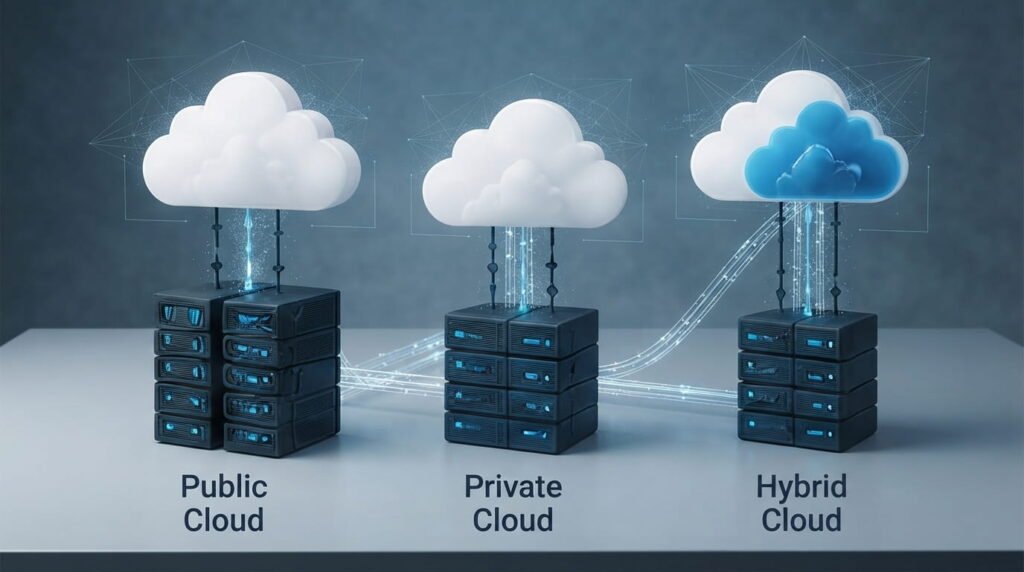
Cloud environments are commonly grouped into three main categories.
Public cloud: Services are provided through shared infrastructure operated by a cloud provider. It’s widely used because resources can be accessed without owning the underlying hardware.
Private cloud: Cloud infrastructure is dedicated to a particular organization. It can provide greater control over the environment but may require more management.
Hybrid cloud: This approach combines public and private cloud environments. Organizations can keep certain workloads in a private environment while using public cloud resources when appropriate.
The right model depends on an organization’s requirements, security needs, budget, and technical setup.
4. What Are Cloud Service Models?
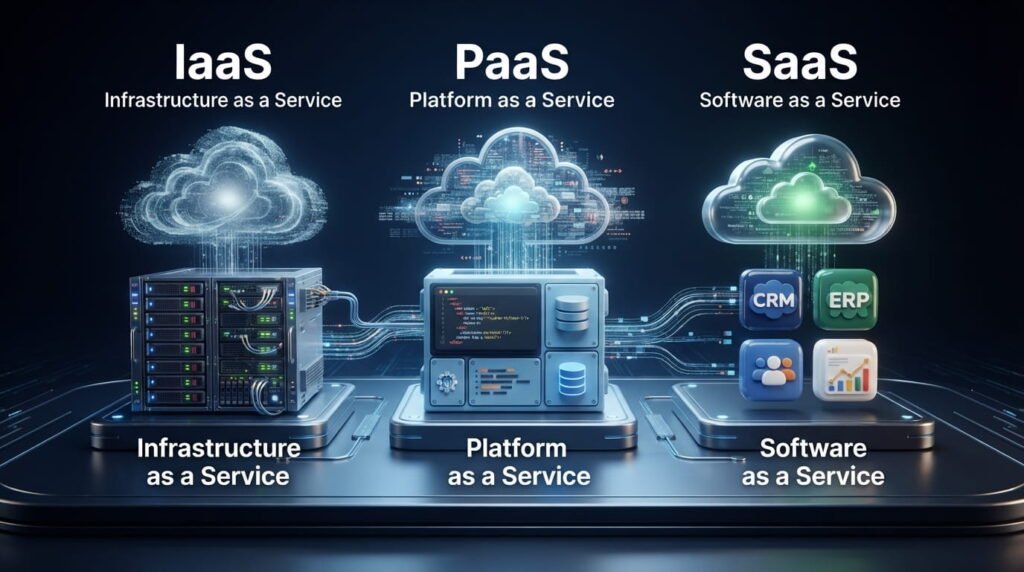
Cloud computing is also divided into service models based on what the provider manages.
Infrastructure as a Service (IaaS) provides fundamental resources such as virtual machines, storage, and networking. Businesses can use these resources without purchasing physical servers.
Platform as a Service (PaaS) provides an environment for developers to build, test, and deploy applications while the provider handles much of the underlying infrastructure.
Software as a Service (SaaS) delivers complete software applications over the internet. Users generally access them through a browser or app rather than installing and maintaining the entire system themselves.
These models give users different levels of control and responsibility.
5. What Are the Benefits of Cloud Computing?
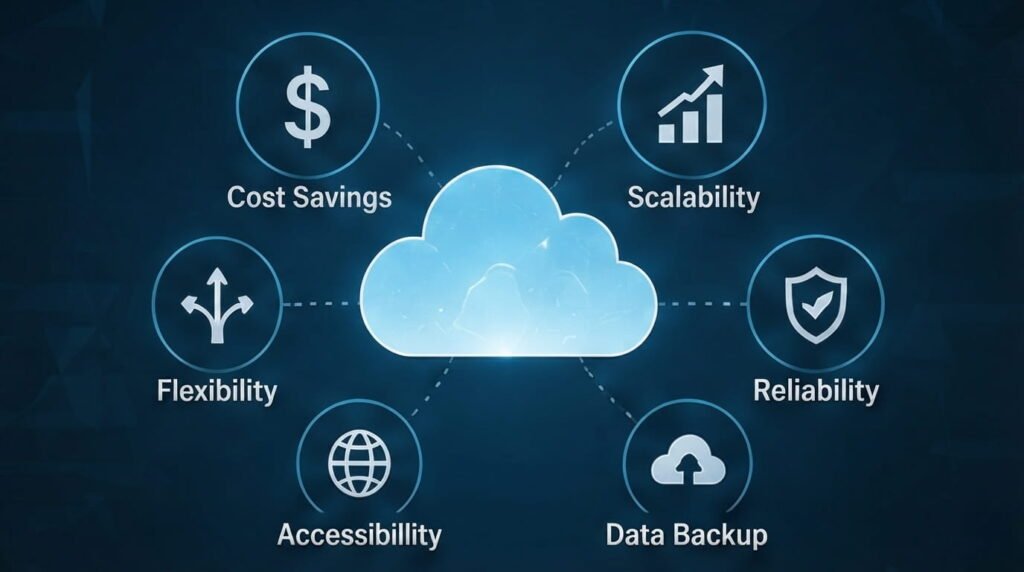
One major advantage of cloud computing is flexibility. Users can access many services from different devices and locations as long as they have an appropriate internet connection.
Cloud services can also make it easier to increase or decrease computing resources when requirements change. A growing business, for instance, may need additional storage or processing capacity without immediately purchasing new physical hardware.
Other potential benefits include easier collaboration, centralized data management, automated backups, and access to advanced computing resources.
However, the benefits depend on choosing an appropriate provider and configuring the service correctly.
6. What Are Common Examples of Cloud Computing?
Cloud computing is already part of everyday digital life.
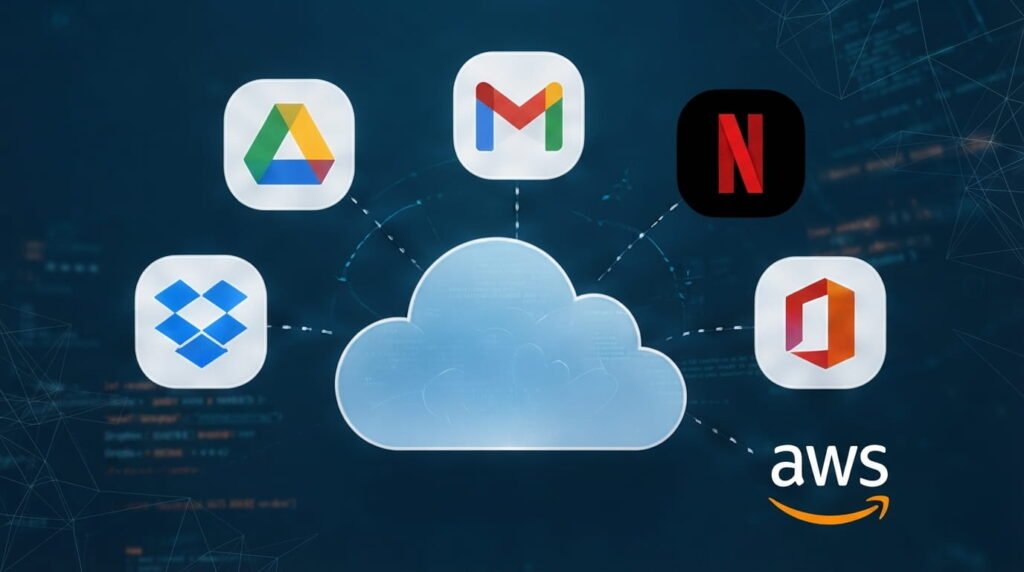
Online file storage, web-based email, video streaming, online collaboration platforms, website hosting, and many business applications can rely on cloud infrastructure.
Developers also use cloud platforms to host websites, run databases, deploy applications, analyze data, and build software without maintaining their own physical data centers.
For businesses, cloud technology can support everything from communication and customer management to data processing and application development.
So, even if you never call yourself a “cloud user,” chances are you’ve interacted with cloud services many times.
7. What Are the Risks and Challenges?
Cloud computing isn’t completely risk-free. Because services depend on networks and third-party infrastructure, outages or connectivity problems can sometimes affect access.
Security and privacy also require attention. Weak passwords, incorrect permissions, poor configurations, or compromised accounts can expose sensitive information.
There can also be unexpected costs if cloud resources aren’t monitored carefully. Some services charge based on storage, processing, bandwidth, or other usage.
That’s why businesses should understand their provider’s security controls, pricing structure, backup options, and service terms before moving important workloads to the cloud.

8. How Can Beginners Get Started?
You don’t need to become a cloud engineer to start learning about cloud computing.
Begin with basic concepts such as storage, servers, databases, networking, virtualization, and the differences between IaaS, PaaS, and SaaS.
Next, try simple cloud services that solve a real problem, such as backing up files or hosting a small project. Hands-on experience makes abstract concepts much easier to understand.
If you’re interested in a career in technology, gradually explore areas such as cloud architecture, cybersecurity, networking, DevOps, and cloud application development.
Read Hub aims to make complicated technology topics easier to understand, and cloud computing is a great example of a subject that becomes much less intimidating once the fundamentals are clear.

Conclusion
Understanding cloud computing explained for beginners doesn’t require advanced technical knowledge. At its core, cloud computing allows people and organizations to access computing resources such as storage, servers, applications, and databases through networked infrastructure.
From storing personal files to running large business applications, cloud technology has become an important part of modern computing. The key is to understand what you’re using, how it works, what it costs, and how your data is protected.
As you continue exploring technology, learning the fundamentals of cloud computing can give you a strong foundation for understanding modern software, websites, and digital services. Read Hub is here to help make those concepts easier to navigate.
If you have any questions or concerns regarding this topic, feel free to contact us through our Contact Us page or reach out via the WhatsApp button available on Read Hub. We’re always happy to help!
FAQ
What is cloud computing in simple words?
Cloud computing is the use of computing resources such as storage, servers, software, and databases through networked infrastructure, commonly accessed over the internet.
How does cloud computing work?
Cloud providers operate data centers containing servers and other infrastructure. Users connect to these resources through applications, websites, or other interfaces to access the services they need.
What are the three main types of cloud computing?
The commonly discussed deployment models are public cloud, private cloud, and hybrid cloud. Each offers a different approach to managing and accessing cloud infrastructure.
What are IaaS, PaaS, and SaaS?
IaaS provides infrastructure resources, PaaS provides a platform for developing and deploying applications, and SaaS provides complete software applications to users.
Is cloud computing safe?
Cloud computing can provide strong security controls, but safety depends on factors such as provider practices, account security, permissions, configuration, and how data is managed.