

Artificial intelligence has transformed the way people work, study, and manage everyday tasks. Among today’s AI tools, ChatGPT has become one of the most useful assistants for improving efficiency without requiring technical expertise. Whether you’re writing emails, brainstorming ideas, researching a topic, or organizing your schedule, ChatGPT can help you complete tasks faster while maintaining quality. The key is knowing how to use it effectively rather than relying on generic prompts.
In this guide from Read Hub, you’ll learn practical ways to use ChatGPT to boost productivity, save valuable time, and streamline your daily workflow.

Why ChatGPT Is a Powerful Productivity Tool
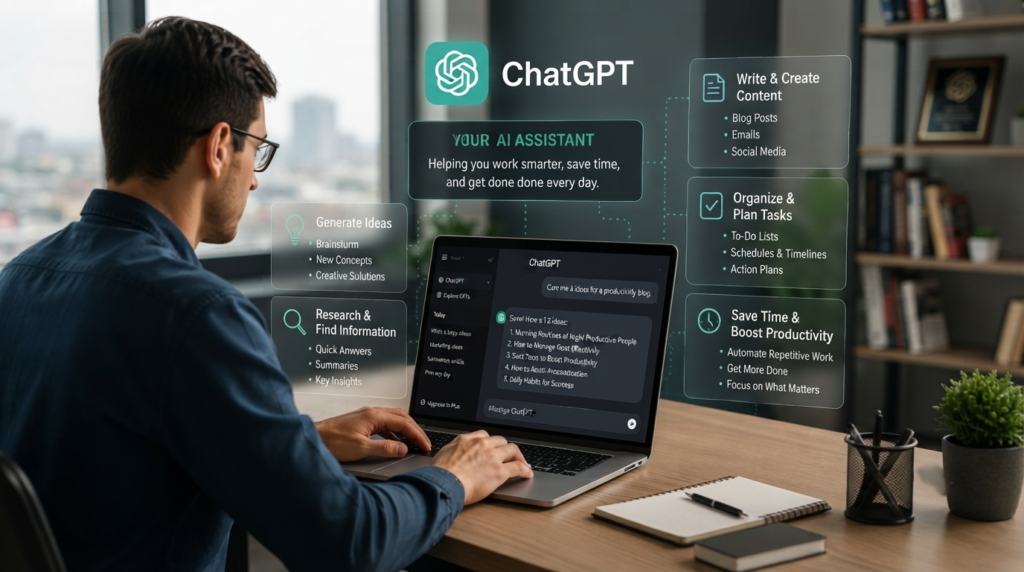
ChatGPT acts like a smart digital assistant that helps reduce repetitive work while allowing you to focus on more valuable and creative tasks. Instead of spending hours searching for information, writing content from scratch, organizing ideas, or answering repetitive questions, you can use AI to complete these tasks in a fraction of the time. It can help with brainstorming, drafting emails, summarizing documents, planning projects, generating content, and solving everyday problems.
However, ChatGPT works best when you provide clear instructions, enough context, and specific goals. The more detailed your prompts are, the more accurate and useful the responses will be. While it can significantly improve efficiency and save time, it’s always a good idea to review the output for accuracy and add your own expertise before using it professionally.
Write Emails and Messages Faster
Writing professional emails, customer replies, cover letters, or meeting invitations can consume a significant amount of time. ChatGPT helps draft clear, polished messages in seconds while allowing you to adjust the tone for business, academic, or personal communication.
Quick Tip: Always personalize AI-generated emails before sending them.

Generate Ideas and Brainstorm
Creative blocks happen to everyone. ChatGPT can generate blog ideas, business concepts, marketing campaigns, social media captions, product names, and project suggestions whenever inspiration runs low.
Example: Ask ChatGPT to generate “20 blog ideas about personal finance for beginners.”

Summarize Long Documents
Instead of reading lengthy reports or articles word by word, use ChatGPT to summarize key points into short, easy-to-understand explanations. This saves time while helping you understand important information quickly.
Remember to verify important facts when working with technical, legal, or medical content.

Create Better Content
Content creators can use ChatGPT to draft blog outlines, improve readability, rewrite paragraphs, generate FAQs, and optimize articles for SEO. It speeds up the writing process while leaving the final editing and fact-checking to the writer.

Improve Learning and Research
Students and professionals can use ChatGPT to explain difficult concepts, simplify technical topics, generate study notes, and create practice questions. It works best as a learning companion rather than a replacement for reliable educational resources.

Organize Daily Tasks
ChatGPT can help create daily schedules, to-do lists, meeting agendas, travel plans, meal plans, and productivity checklists based on your goals and available time.
A well-organized day often leads to better focus and reduced stress.

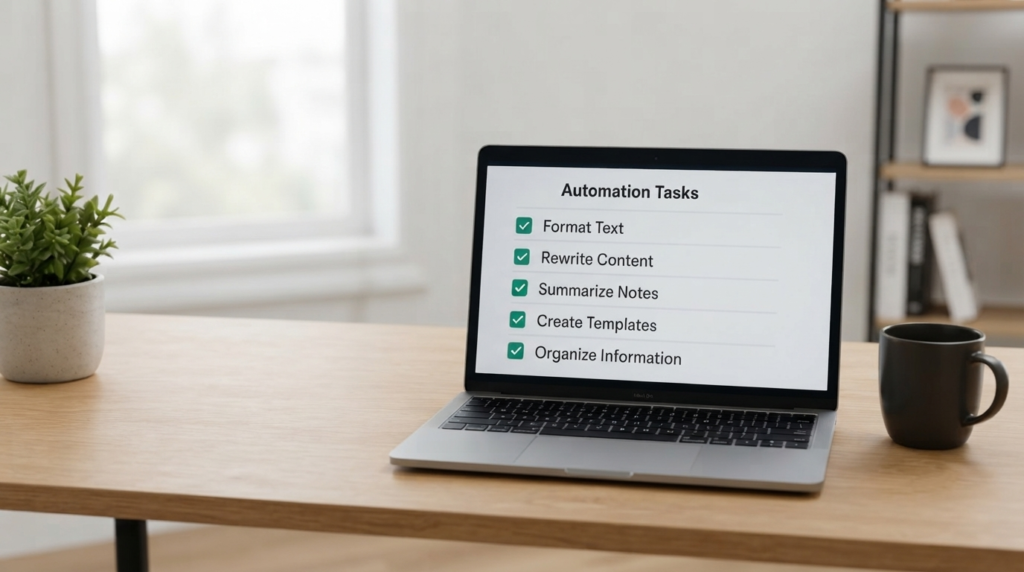
Automate Repetitive Work
Many repetitive tasks—such as formatting text, rewriting content, creating templates, summarizing meeting notes, and organizing information—can be completed much faster with ChatGPT.
This allows professionals to spend more time on creative thinking and decision-making.
Use Better Prompts for Better Results
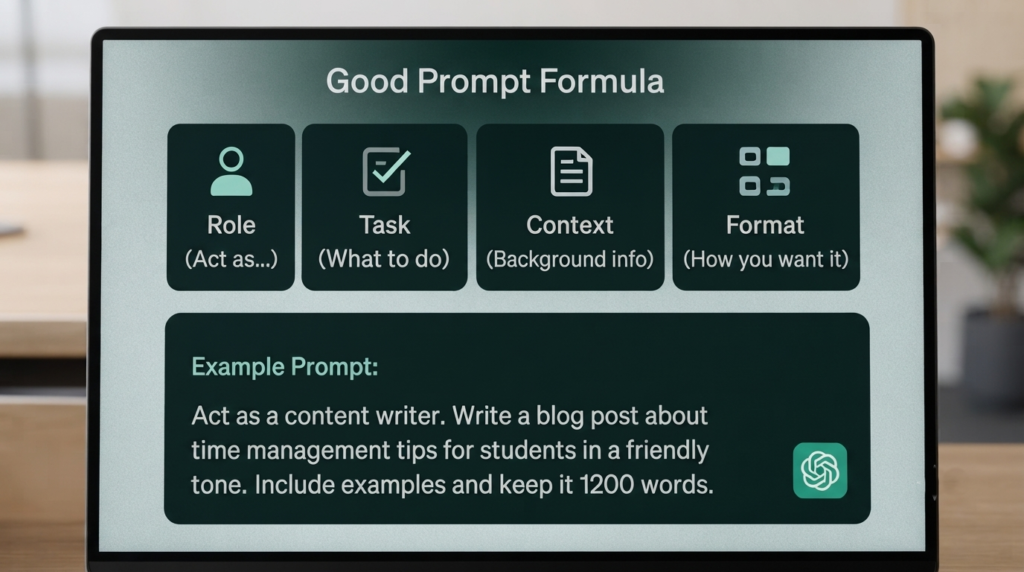
The quality of ChatGPT’s responses depends heavily on the quality of your prompts. Instead of asking vague questions, provide context, goals, audience, tone, and preferred format.
For example:
Weak Prompt: Write an article about productivity.
Better Prompt: Write a beginner-friendly 1,500-word SEO article about improving workplace productivity with practical examples.
Common Mistakes to Avoid
While ChatGPT is incredibly useful, avoid relying on it without reviewing the output. Always verify facts, avoid sharing confidential information, and use AI as a productivity assistant—not a replacement for critical thinking or professional expertise.
Responsible use leads to the best results.

Conclusion
Learning how to use ChatGPT to boost productivity can help you work smarter, save valuable time, and reduce repetitive tasks across work, education, and personal projects. The more specific your prompts and the more carefully you review the results, the more valuable ChatGPT becomes as a daily productivity partner.
At Read Hub, we believe AI should enhance human creativity, not replace it. Used wisely, ChatGPT can become one of the most powerful tools in your digital toolkit.
If you have any questions or concerns regarding this topic, feel free to contact us through our Contact Us page or reach out via the WhatsApp button available on Read Hub. We’re always happy to help!
FAQ
Is ChatGPT good for improving productivity?
Yes. ChatGPT can save time by helping with writing, brainstorming, summarizing information, planning tasks, and automating repetitive work. When combined with human review, it becomes an effective productivity assistant.
Can ChatGPT replace human work?
No. ChatGPT is designed to assist people, not replace them. Human judgment, creativity, and fact-checking remain essential, especially for important business, legal, financial, or medical decisions.
Is ChatGPT useful for students?
Absolutely. Students can use ChatGPT to understand complex topics, create study notes, generate quizzes, improve writing, and organize assignments. However, it should support learning rather than replace independent study.
How can I get better answers from ChatGPT?
Provide clear prompts with specific details such as your goal, target audience, preferred tone, desired length, and output format. More context generally leads to more accurate and useful responses.
Is ChatGPT free to use?
ChatGPT offers both free and paid plans. Available features, model access, and usage limits depend on the plan you choose, so it’s worth comparing options based on your needs.