

Your personal information is valuable, and protecting it online has become an everyday responsibility. From social media accounts and email addresses to passwords and payment information, a surprising amount of data is stored or shared online. Fortunately, you don’t need to be a cybersecurity expert to improve your safety. By following a few practical habits, you can reduce common risks and make your accounts much harder to compromise. In this guide, Read Hub explains how to protect your data from online threats and stay safer while using the internet.
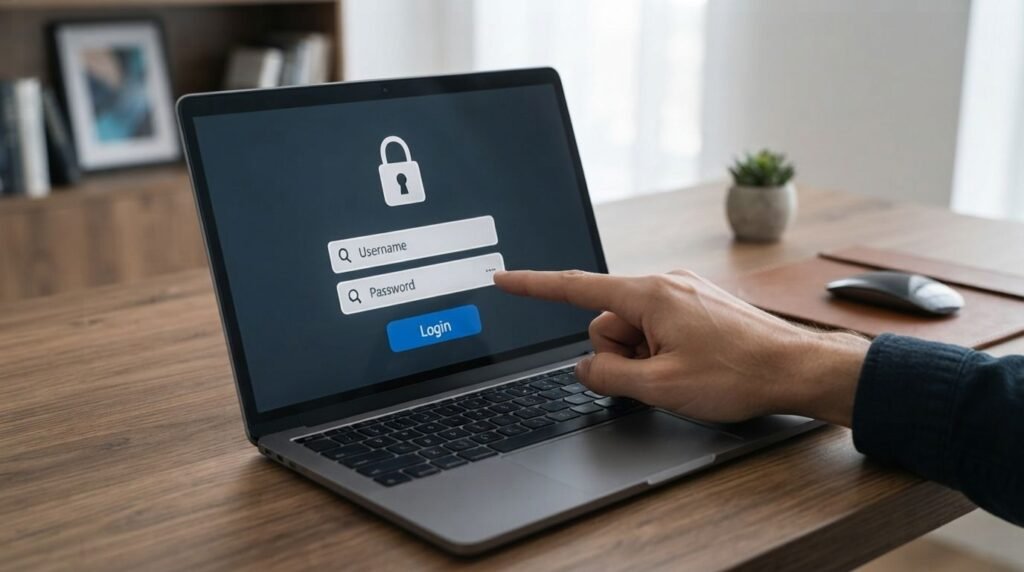
1. Use Strong and Unique Passwords
Strong passwords are one of the simplest ways to improve online security. Avoid using obvious information such as your name, birthday, or easy-to-guess combinations, and don’t reuse the same password across multiple accounts. A unique password for every important account limits the damage if one password is exposed. Consider using a reputable password manager to create and securely store complex passwords.
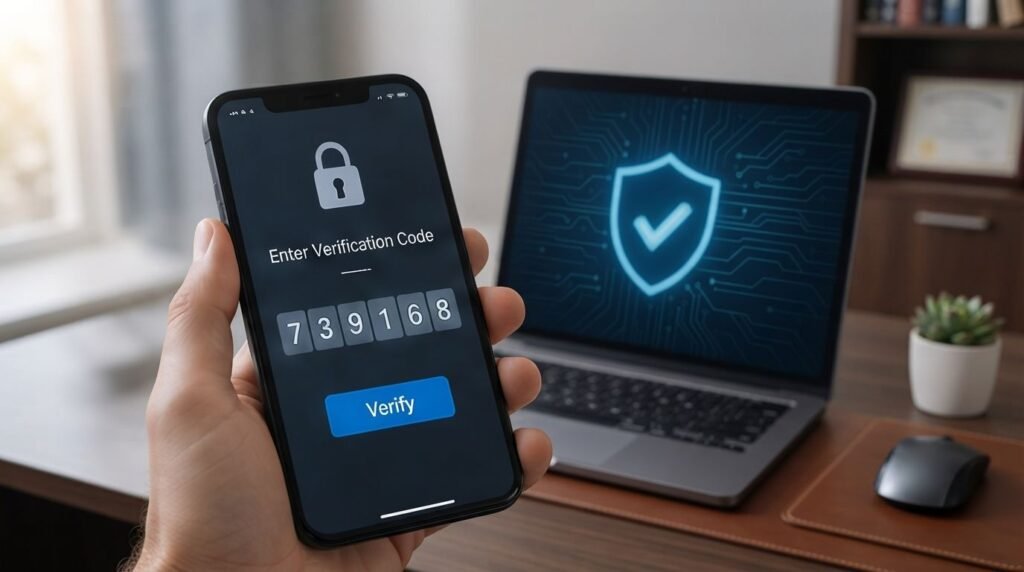
2. Turn On Two-Factor Authentication
Two-factor authentication adds another layer of protection even if someone discovers your password. Depending on the service, you may confirm your identity through an authentication app, security key, or another verification method. Enable this feature on important accounts such as email, social media, and other services that contain sensitive information.
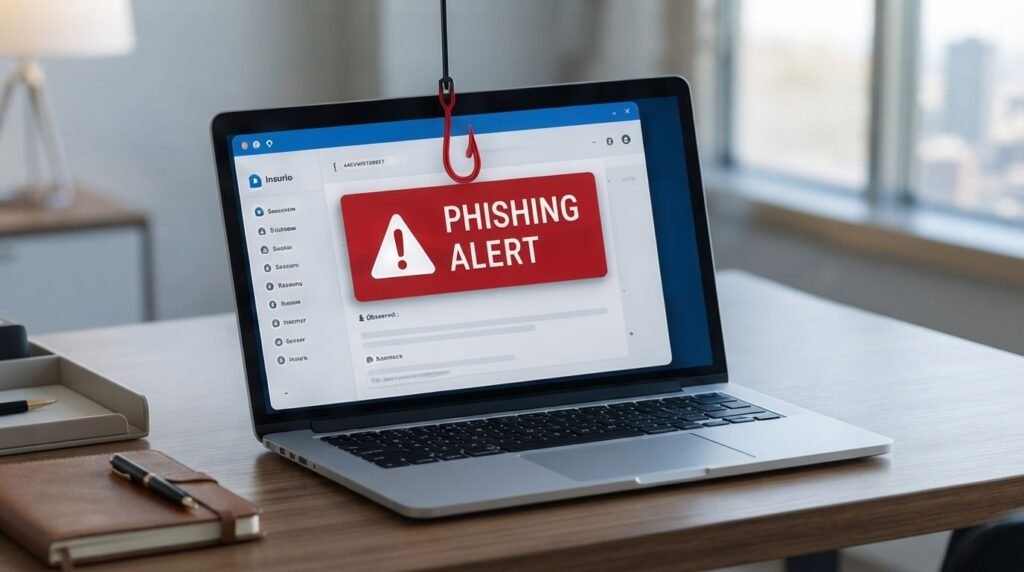
3. Learn to Recognize Phishing Scams
Phishing messages often try to trick you into revealing passwords, financial information, or other personal details. Be cautious when an email, text, or message creates urgency, asks you to click a suspicious link, or requests information unexpectedly. Instead of using the provided link, open the organization’s official website or app directly and check whether the request is genuine.
4. Keep Your Devices Updated
Software updates aren’t only about adding new features; they can also fix security weaknesses that attackers may exploit. Keep your operating system, browser, apps, and security software updated whenever reliable updates are available. Turning on automatic updates can make this easier and reduce the chance of forgetting an important security patch.
5. Be Careful With Public Wi-Fi
Public Wi-Fi can be convenient, but you should avoid treating unfamiliar networks as completely trustworthy. Don’t enter sensitive information on suspicious networks, and be especially careful when accessing important accounts. When possible, use a trusted connection and make sure your device’s security settings are configured appropriately before browsing.
6. Review Your Privacy Settings
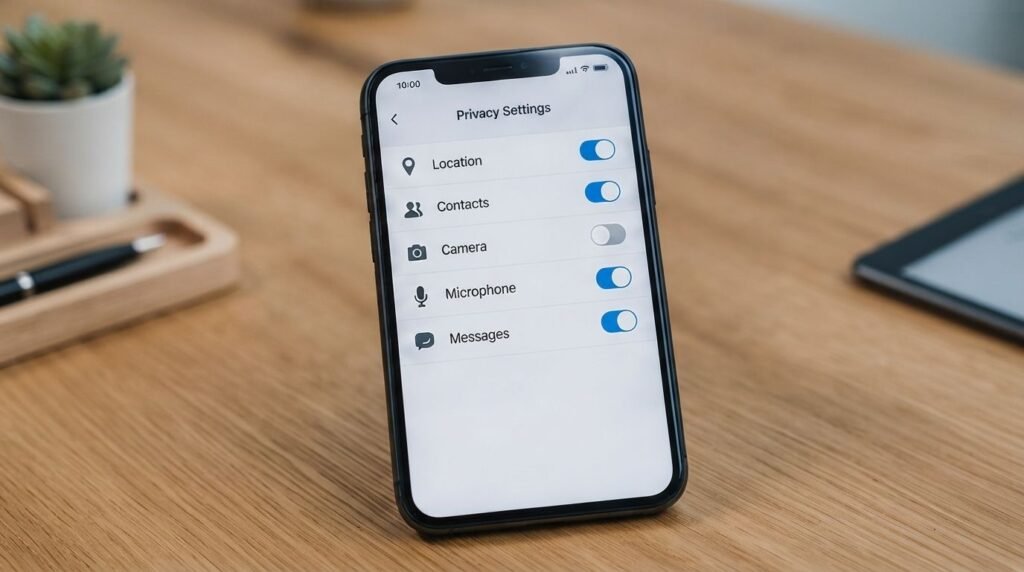
Social media platforms, apps, and websites often provide privacy controls that determine what information is visible or shared. Review these settings regularly and limit access to personal information that doesn’t need to be public. Also check which apps have permission to access your location, contacts, camera, microphone, or other device features.
7. Download Apps and Files Carefully
Malware can sometimes arrive through unsafe apps, attachments, downloads, or websites. Install software from trusted sources and avoid downloading files simply because a message tells you to. Before installing an unfamiliar app, check the developer, permissions, reviews, and whether the download source is legitimate.
8. Back Up Important Data
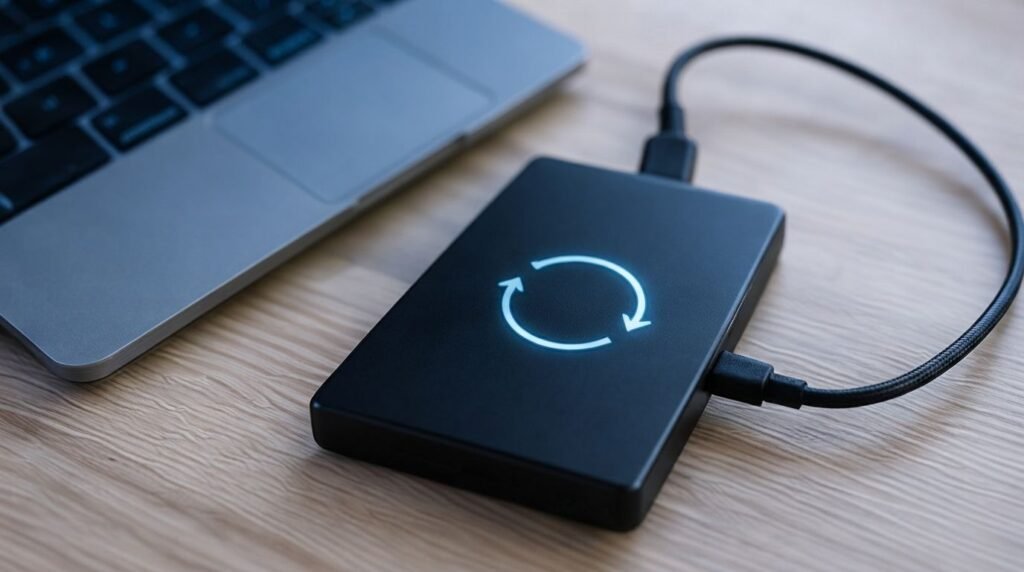
A backup can help protect your important files if your device is damaged, lost, or affected by malware. Keep copies of valuable documents, photos, and other essential files using a reliable backup method. For particularly important information, having more than one backup location can provide additional protection.
9. Monitor Your Accounts
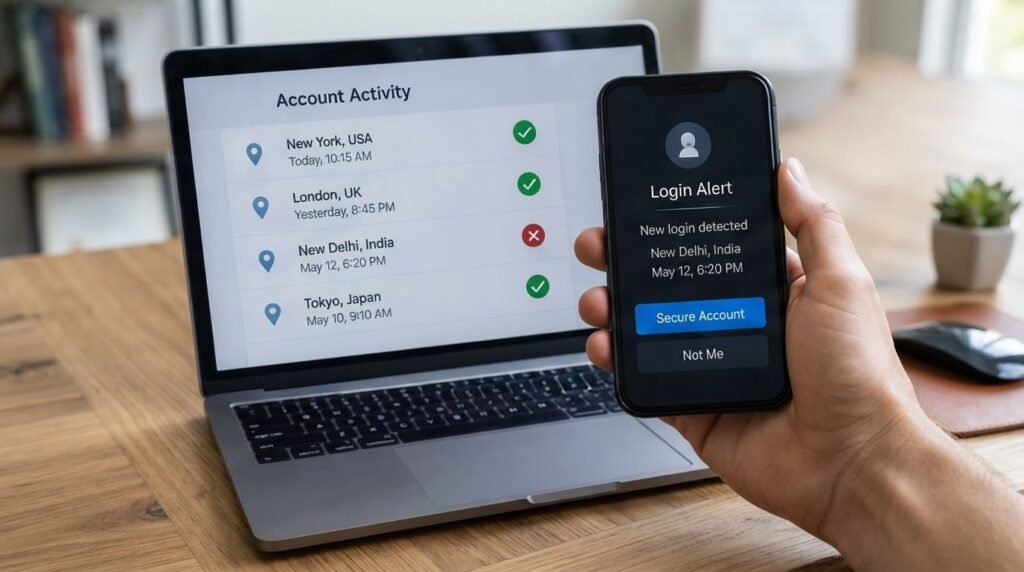
Regularly checking your accounts can help you notice unusual activity sooner. Review login notifications, account activity, security alerts, and financial transactions where available. If you notice something you don’t recognize, change the affected password and follow the service’s official security or account-recovery process.
10. Think Before Sharing Personal Information
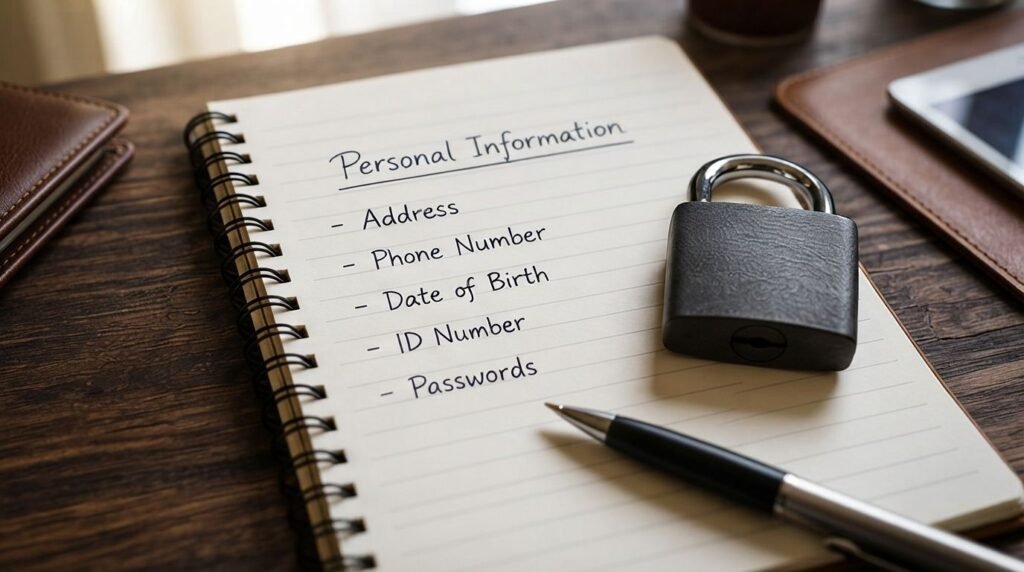
One of the most effective data protection habits is simply sharing less information than you don’t need to. Avoid publicly posting sensitive details such as passwords, verification codes, private documents, or information that could be used to guess your security questions. Before submitting personal information to a website, consider why it is being requested and whether the site is trustworthy.
Conclusion
Knowing how to protect your data from online threats doesn’t require complicated technical skills. Strong passwords, two-factor authentication, careful browsing, updated devices, privacy controls, and regular account monitoring can significantly improve your online safety. The most important thing is consistency: make these habits part of your normal internet routine rather than waiting until something goes wrong. For more practical technology and online safety guidance, keep exploring Read Hub.
If you have any questions or concerns regarding this topic, feel free to contact us through our Contact Us page or reach out via the WhatsApp button available on Read Hub. We’re always happy to help!
FAQ
What is the best way to protect personal data online?
Start with strong, unique passwords and two-factor authentication, then add safe browsing habits, regular software updates, privacy controls, and account monitoring.
How can I protect my data from phishing attacks?
Don’t click unexpected links or attachments, and never provide sensitive information through suspicious messages. Verify requests through the organization’s official website or app.
Should I use the same password for different accounts?
No. Reusing passwords increases your risk because one compromised account can potentially expose other accounts. Use a different strong password for each important service.
Is public Wi-Fi safe for personal information?
Public Wi-Fi can carry additional risks, so avoid using unfamiliar networks for sensitive activities when possible. Use trusted connections and follow good device-security practices.
How often should I check my online accounts?
Check important accounts regularly for unfamiliar logins, security alerts, transactions, or other unusual activity. Early detection can make it easier to respond to a security problem.